In today’s fast-paced world of e-commerce and logistics, staying ahead means optimizing every step of your operation. If you’re running a business, big or small, or even just regularly sending packages from home, a Shipping Label Maker isn’t just a convenience—it’s an absolute game-changer. It transforms a tedious, error-prone task into a swift, seamless process, ensuring your packages get where they need to go professionally and efficiently. At Paerm.com, we’ve seen firsthand how the right label maker can boost productivity and significantly cut down on shipping headaches.
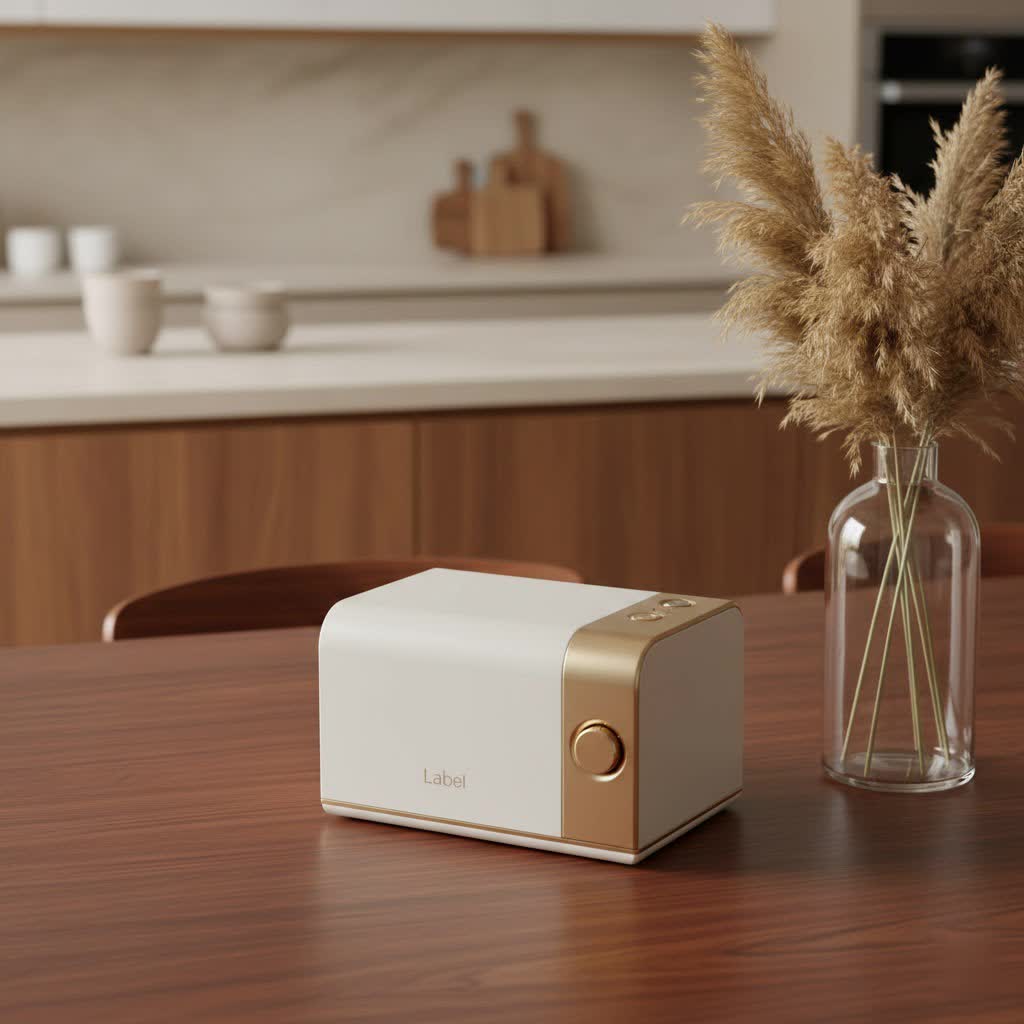
What is a Shipping Label Maker and Why Do You Need One?
A shipping label maker is a specialized printer designed to produce the adhesive labels required by major carriers like USPS, FedEx, and UPS. Unlike your standard inkjet or laser printer, these devices are purpose-built for volume, speed, and durability.
Why should you choose a dedicated shipping label maker over a regular printer? The answer lies in their fundamental technology. Most shipping label makers utilize direct thermal printing. This means they create images by applying heat to specially coated thermal paper, completely eliminating the need for expensive ink cartridges, toner, or ribbons. Think about the last time you ran out of ink mid-print—with a thermal shipping label maker, that scenario is a thing of the past. This not only saves you a significant amount of money over time but also streamlines your workflow. You get crisp, clear, smudge-free barcodes and text in seconds, crucial for scannability and reliable delivery. For businesses, this translates to reduced operational costs, fewer shipping errors, faster package processing, and a more professional presentation to your customers.
Decoding Thermal Technology: Direct vs. Thermal Transfer
When diving into the world of label makers, you’ll primarily encounter two types of thermal printing technology: direct thermal and thermal transfer.
Direct thermal printing is the mainstream choice for shipping label makers, and for good reason. It works by using a heated printhead to activate a chemical coating on thermal paper, producing the image directly. The biggest advantage here is its simplicity and cost-effectiveness: no ink, toner, or ribbon means fewer consumables to buy and manage. While the labels might fade over very long periods or when exposed to extreme heat or sunlight, they are perfectly durable for the typical transit times of shipping packages. This makes a direct thermal shipping label maker an ideal, low-maintenance solution for most businesses.
Thermal transfer printing, on the other hand, uses a heated printhead to melt wax or resin-based ink from a ribbon onto the label material. This method produces incredibly durable, long-lasting prints that are resistant to chemicals, moisture, and extreme temperatures. While excellent for asset tagging, outdoor labels, or items requiring archival quality, thermal transfer printers involve an additional consumable (the ribbon), making them a slightly more complex and costly option than direct thermal printers for standard shipping needs. For everyday shipping labels, the efficiency and economy of direct thermal technology usually win out.
Choosing Your Perfect Shipping Label Maker: Key Features to Consider
Selecting the best shipping label maker for your needs involves looking at several crucial features. You want a device that integrates seamlessly into your existing setup and handles your shipping volume with ease.
Connectivity Options (USB, Wi-Fi, Bluetooth, Ethernet)
How you connect your printer is vital for workflow efficiency.
- USB: The most common and reliable connection, perfect for a dedicated workstation.
- Wi-Fi: Offers incredible flexibility, allowing you to print from anywhere on your network—from your PC, laptop, or even mobile devices. This is a huge plus for busy warehouses or home offices where cable clutter is a concern.
- Bluetooth: Great for printing directly from smartphones or tablets, offering localized wireless convenience without needing a full network setup.
- Ethernet: Ideal for integrating into a larger network environment, providing a stable connection for multiple users.
|
Our Picks for the Best Label Maker in 2026
As an Amazon Associate I earn from qualifying purchases.
|
||
| Num | Product | Action |
|---|---|---|
| 1 | DYMO LabelManager 160 Portable Label Maker Bundle, Easy-to-Use, One-Touch Smart Keys, QWERTY Keyboard, Large Display, For Home & Office Organization, Includes 3 D1 label cassettes |

|
| 2 | MeetRGB Embossed Label Maker (Includes Tape), Vintage Embossing Label Machine, Comes with 5 Rolls of 3D Embossed Labels, Suitable for Office and DIY Use—Purple |
|
| 3 | EazeID Embossing Label Maker Machine with Tapes, Manual Embossed Label Maker Retro, Vintage Embosser Labeler 3/8 Inch 9mm 3D Waterproof-Labels for Scrapbooking Supplies Kids DIY Craft Home Office Use |
|
| 4 | DYMO LetraTag 100H Plus Handheld Label Maker for Office or Home |
|
| 5 | DYMO LetraTag LT-100H Handheld Aesthetic Label Maker, ABC Keyboard Label Printer with Easy-to-Use, 13 Character LCD Screen, Great for Home & Office Organization, Pink |
|
| 6 | LỖI |
|
| 7 | Brother P-Touch PT-N20 Personal Desktop Label Maker, Portable, Handheld and Prints, P-Touch Btag ~½” (12mm) Wide Color Personalized Label Tapes |
|
| 8 | NelkoGlobal Label Maker, Label Maker Machine with Tape, Portable Bluetooth Label Printer with Little Space, Mini D10 Label Machine with Multiple Personalized Templates for Family School |
|
| 9 | DYMO Label Maker Machine with Tape - 100H LetraTag Handheld, Comes with 3 LT label tapes. Great for Home & Office Organization |
|
| 10 | DETONGER DT5150P Industrial Colorfast Label Maker, Thermal Transfer Label Printer with 1.65\" W Print Head, Heavy-Duty for Outdoor Direct Sunlight Job Sites, Mobile APP & PC Editor Compatible |
|
Many modern shipping label makers offer a combination of these, so consider your setup and where you’ll be doing most of your printing.
Print Speed and Resolution
Speed matters, especially if you’re handling a high volume of orders. Look for print speeds measured in labels per minute (LPM) or millimeters per second (mm/s). Some efficient models can churn out a standard 4″x6″ label in less than a second! High resolution (typically 203 dpi to 300 dpi) ensures your barcodes are crisp and scannable, minimizing delivery delays due to unreadable labels. A sharp print quality is non-negotiable for reliable shipping.
Label Size and Compatibility
The industry standard for shipping labels is 4 inches by 6 inches. Ensure your chosen shipping label maker supports this size, as well as any other specific dimensions you might need for different package types or product labels. A significant cost-saving tip: opt for a printer that uses non-proprietary labels. Some manufacturers require you to buy their specific, often more expensive, label rolls. Printers compatible with generic labels open up a world of more affordable supply options.
Device & Platform Compatibility
Your label maker should play nicely with your existing technology. Most reputable brands offer drivers for Windows and Mac operating systems, and many now provide apps for iOS and Android, allowing you to print directly from your mobile devices. Crucially, check for seamless integration with your preferred e-commerce and shipping platforms. Whether you use Shopify, Etsy, Amazon, eBay, ShipStation, PayPal, or carrier-specific portals like UPS Worldship or FedEx Ship Manager, ensure your shipping label maker can connect and print without a hitch. This compatibility is key to automating your fulfillment process.
Ease of Use
Nobody wants to wrestle with complicated setups. Look for a “plug-and-play” experience with intuitive software or companion apps. Features like automatic label detection, which senses the label size and type, can save you precious time and prevent wasted labels. A straightforward loading mechanism for label rolls or fanfold stacks is also a big plus. The easier it is to use, the more time you save.
Getting Started: Setting Up and Using Your Shipping Label Maker
Once you’ve chosen your ideal shipping label maker, getting it up and running is typically straightforward.
- Driver Installation: Start by installing the necessary drivers or software from the manufacturer’s website. This ensures your computer recognizes the printer.
- Physical Connection: Connect the printer to your device using your chosen method (USB cable, pairing via Bluetooth, or connecting to your Wi-Fi network).
- Loading Labels: Load your thermal labels. Most printers have a simple guide system to ensure the labels feed correctly. If using rolls, ensure they are securely seated; for fanfold labels, position them behind the printer.
- Software Integration: Open your shipping platform (e.g., Shopify, Amazon Seller Central, ShipStation) and select your new label maker as the default printer. You might need to adjust print settings to ensure the label fits perfectly within the 4″x6″ (or other desired) dimensions.
- Test Print: Always run a test print with a sample label to confirm everything is aligned and printing correctly before processing a large batch.
For optimal performance and longevity, remember to perform basic maintenance. Regularly clean the printhead with an alcohol wipe to prevent residue buildup, which can cause blurry prints or damage over time.
Beyond Shipping: Creative Uses for Your Label Maker
While its primary role is to streamline shipping, a versatile shipping label maker can be a powerful organizational tool throughout your business and even your home.
- Inventory Management: Create scannable barcodes for products, making inventory tracking a breeze.
- Product Labels: Design custom labels for your goods, adding a professional touch with your brand logo and product information.
- Warehouse & Storage: Label shelves, bins, and boxes to maintain an organized workspace, reducing time spent searching for items.
- Office Organization: From filing systems to cable management, a label maker can bring order to chaos.
The possibilities are truly endless when you have a reliable label maker at your fingertips.
Expert Insight: Maximizing Efficiency with Your Shipping Label Maker
“In my ten years working with businesses, I’ve seen countless workflows transformed by the simple addition of a quality shipping label maker,” shares Dr. Evelyn Reed, Logistics Optimization Specialist at Paerm.com. “The biggest misconception is that it’s just for ‘big’ businesses. For any entrepreneur, the time and cost savings from ditching ink and manual label cutting free up resources you can reinvest in growth. My top advice? Don’t just focus on the printer itself. Ensure it integrates seamlessly with your existing shipping software. That’s where the real magic happens in automating your entire fulfillment process.”
FAQs about Shipping Label Makers
Q: Can I use a regular printer for shipping labels?
A: While technically possible with adhesive label sheets, regular inkjet or laser printers are far less efficient and cost-effective than a dedicated thermal shipping label maker. They use expensive ink or toner, print much slower, and can lead to smudged labels that are difficult to scan.
Q: Do shipping label makers use ink?
A: Most shipping label makers designed for high-volume shipping utilize direct thermal technology, meaning they do not require ink, toner, or ribbons. They print by applying heat directly to specially coated thermal labels.
Q: What size labels do shipping label makers use?
A: The most common and widely supported label size for shipping is 4 inches by 6 inches. However, many label makers can accommodate a range of sizes up to 4 inches wide, allowing for versatility beyond just shipping.
Q: How do I connect my shipping label maker to my computer/phone?
A: Common connectivity options include USB (for direct connection to computers), Bluetooth (for wireless connection to computers and mobile devices), Wi-Fi (for network-wide wireless printing), and Ethernet (for wired network connections in office environments).
Q: Are shipping label makers worth it for small businesses?
A: Absolutely! For small businesses, a shipping label maker is an invaluable investment. It saves time, reduces ongoing supply costs (no ink!), minimizes shipping errors, and helps create a more professional brand image, all of which contribute to improved efficiency and customer satisfaction.
Q: How do I maintain a shipping label maker?
A: Regular cleaning of the printhead is crucial. Use a special cleaning pen or an alcohol wipe to gently clean the printhead and any rollers to prevent residue buildup, which can cause poor print quality. Always consult your printer’s manual for specific maintenance instructions.
Streamline Your Shipments Today!
Investing in a high-quality shipping label maker is one of the smartest moves you can make to streamline your operations, save money, and project a professional image. From the bustling e-commerce store to the home-based craft business, the efficiency and reliability these devices offer are unmatched. By understanding the technology, choosing features that align with your needs, and integrating it effectively into your workflow, you’ll unlock a new level of productivity. So, stop stressing over labels and start shipping smarter. Take the leap, invest in a reliable shipping label maker, and experience the difference it makes in your daily operations. We’re confident you’ll wonder how you ever managed without it!
