In a world bustling with information and products, a splash of color can make all the difference. Imagine transforming mundane tasks into vibrant, organized systems or making your products truly pop on the shelves. That’s the magic a Color Label Maker brings to the table. Whether you’re a home organizer extraordinaire, a budding entrepreneur, or managing a busy warehouse, embracing color in your labeling can elevate both aesthetics and efficiency. This comprehensive guide will walk you through everything you need to know, from choosing the right device to unleashing its full potential.
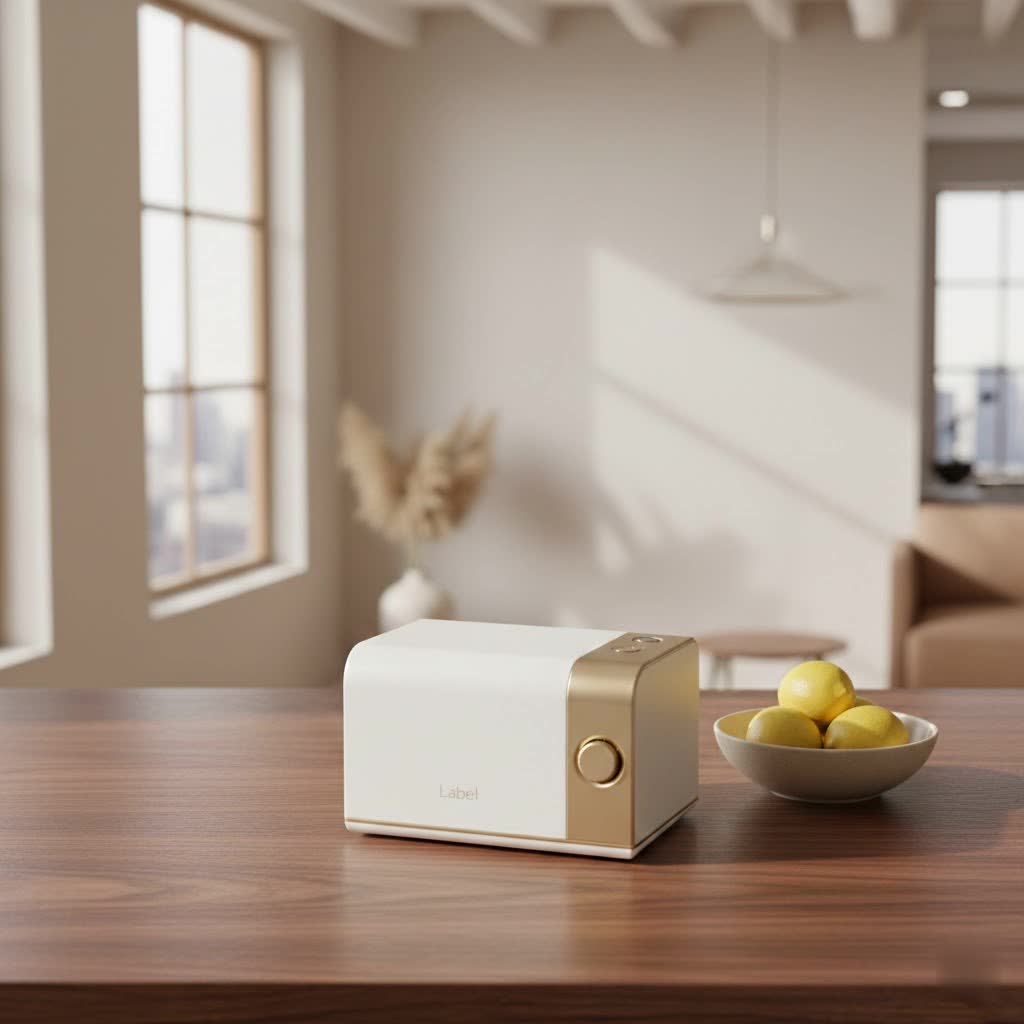
What Exactly is a Color Label Maker?
When we talk about a “color label maker,” we’re actually referring to a spectrum of devices designed to produce labels with more than just black text. On one end, you have compact, handheld color label makers perfect for personal organization and crafting. These often use special ZINK (Zero Ink) paper or offer a limited range of color tape options, adding a cheerful touch to your daily tasks. On the other end, we have robust, desktop or industrial-grade color label printers that are powerhouses capable of producing high-resolution, full-color labels for everything from product packaging and branding to complex compliance and inventory needs.
So, why go for color when monochrome labels often get the job done? Simply put, color captures attention, conveys information more effectively, and enhances brand identity. It allows for visual coding, making it easier to identify categories at a glance, highlight warnings, or simply add a professional, eye-catching finish to your creations.
The Core Technologies Behind Color Label Printing
Understanding how these clever machines create color is key to choosing the right one for your specific needs. Each technology has its strengths and ideal applications.
Inkjet: The Workhorse of Full-Color Labeling
Most full-color label printers, especially those designed for high-quality, on-demand printing, utilize inkjet technology. This method involves spraying microscopic droplets of liquid ink onto the label material, creating vibrant and detailed images.
- Dye-based Inks: These inks typically produce extremely vivid colors and a glossy finish, making them excellent for eye-catching product labels, photos, and general branding where visual appeal is paramount. They tend to penetrate the paper, resulting in bright, true-to-life hues.
- Pigment-based Inks: If durability is your top priority, pigment inks are your best friend. These inks consist of solid particles that sit on the surface of the label, offering superior resistance to water, smudging, fading from UV light, and various chemicals. Many industrial and compliance labels, especially those requiring BS5609 certification for harsh environments, rely on pigment inks for their long-lasting properties.
|
Our Picks for the Best Label Maker in 2026
As an Amazon Associate I earn from qualifying purchases.
|
||
| Num | Product | Action |
|---|---|---|
| 1 | Brother P-Touch PT-N20 Personal Desktop Label Maker, Portable, Handheld and Prints, P-Touch Btag ~½” (12mm) Wide Color Personalized Label Tapes |

|
| 2 | DYMO LetraTag 100H Plus Handheld Label Maker for Office or Home |
|
| 3 | DYMO LetraTag LT-100H Handheld Aesthetic Label Maker, ABC Keyboard Label Printer with Easy-to-Use, 13 Character LCD Screen, Great for Home & Office Organization, Pink |
|
| 4 | MeetRGB Embossed Label Maker (Includes Tape), Vintage Embossing Label Machine, Comes with 5 Rolls of 3D Embossed Labels, Suitable for Office and DIY Use—Purple |
|
| 5 | LỖI |
|
| 6 | EazeID Embossing Label Maker Machine with Tapes, Manual Embossed Label Maker Retro, Vintage Embosser Labeler 3/8 Inch 9mm 3D Waterproof-Labels for Scrapbooking Supplies Kids DIY Craft Home Office Use |
|
| 7 | DYMO Label Maker Machine with Tape - 100H LetraTag Handheld, Comes with 3 LT label tapes. Great for Home & Office Organization |
|
| 8 | DETONGER DT5150P Industrial Colorfast Label Maker, Thermal Transfer Label Printer with 1.65\" W Print Head, Heavy-Duty for Outdoor Direct Sunlight Job Sites, Mobile APP & PC Editor Compatible |
|
| 9 | DYMO LabelManager 160 Portable Label Maker Bundle, Easy-to-Use, One-Touch Smart Keys, QWERTY Keyboard, Large Display, For Home & Office Organization, Includes 3 D1 label cassettes |
|
| 10 | NelkoGlobal Label Maker, Label Maker Machine with Tape, Portable Bluetooth Label Printer with Little Space, Mini D10 Label Machine with Multiple Personalized Templates for Family School |
|
Choosing between dye and pigment often comes down to balancing vibrancy with resilience.
ZINK (Zero Ink) Technology: Color on the Go
For smaller, more portable color label makers, ZINK technology is a game-changer. These devices don’t use ink cartridges at all. Instead, they employ special multi-layered paper embedded with heat-activated dye crystals. When the label maker applies heat, the crystals transform into their respective colors (cyan, magenta, yellow), creating a full-color image directly on the label. This makes for incredibly compact and maintenance-free devices, though label material options are typically more limited.
While thermal printing is fantastic for monochrome, high-volume labels (like shipping barcodes), it generally doesn’t offer full-color capabilities. When you hear “color label maker,” you’re almost certainly looking at an inkjet or ZINK-based solution.
Choosing Your Perfect Color Label Maker: Key Features to Consider
Selecting the ideal color label maker isn’t just about picking the prettiest one. It’s about matching its capabilities with your specific requirements. As an expert from Paerm.com, I always emphasize a thorough evaluation of these critical features.
What Print Quality and Resolution Do You Need? (DPI Explained)
What is print quality, and why does DPI matter for color labels?
Print quality, often measured in dots per inch (DPI), refers to the sharpness and detail of your printed images and text. A higher DPI means more dots per square inch, resulting in finer details, smoother gradients, and crisper text, especially for small fonts or intricate logos.
For simple organizational labels with large text, a lower DPI (e.g., 180-300 dpi) might suffice. However, if you’re printing intricate product labels with small text, high-resolution graphics, or detailed photos, you’ll want a printer with 600 DPI or even 1200×1200 DPI or higher for truly stunning results.
How Fast Do You Need Your Labels? (Speed & Volume)
How does label printing speed affect my workflow?
Print speed, typically measured in millimeters or inches per second (mm/sec or IPS), directly impacts your productivity, especially for high-volume tasks.
For occasional home use or small batches of labels, a speed of a few millimeters per second is usually fine. However, for businesses printing hundreds or thousands of labels daily, an industrial color label printer boasting speeds of 8-12 IPS or more can be a significant time-saver. Consider your average daily or weekly label volume to determine the speed you truly need.
What Label Sizes and Materials Are Best for Your Projects? (Versatility)
Why is label size and material versatility important for a color label maker?
The ability of your label maker to handle various label widths and materials dictates its versatility and how many different tasks it can perform.
Standard handheld label makers might support tapes up to 12-50mm wide. Commercial color label printers can often accommodate rolls from a few inches up to 8.5 inches wide, offering immense flexibility for everything from small ingredient labels to large shipping tags. Beyond size, think about the materials: paper for general use, glossy stock for vibrant branding, polyester or vinyl for durability, and specialized options like freezer-safe, chemical-resistant, or tamper-evident labels.
How Will You Connect to Your Label Maker? (Connectivity Options)
What are the common connectivity options for color label makers?
Connectivity determines how you send your label designs to the printer, influencing convenience and workflow.
Common options include:
- USB: A reliable wired connection for direct printing from a computer.
- Wi-Fi/Ethernet: Ideal for shared use in offices or warehouses, allowing multiple users to print wirelessly from various devices.
- Bluetooth: Great for portable devices, enabling wireless printing from smartphones and tablets on the go.
- Mobile Apps: Many modern color label makers come with dedicated apps (e.g., Color Label Editor app) for easy design and printing from your mobile device.
Durability Matters: Water, Smudge, and UV Resistance
When is label durability a critical factor?
Label durability becomes crucial when your labels will be exposed to harsh conditions, handling, or the elements.
If your labels need to withstand moisture (e.g., on beverage bottles or outdoor equipment), chemicals (e.g., in laboratories or industrial settings), or prolonged sunlight (e.g., asset tags), look for pigment-based inks and label materials specifically designed for these challenges. Some industrial printers produce BS5609 certified labels, meaning they meet rigorous standards for marine immersion and chemical resistance, offering multi-year outdoor durability.
Ease of Use and Software: Getting Started Smoothly
How important are user interface and software for a color label maker?
An intuitive user interface and robust, user-friendly software can significantly enhance your labeling experience, making design and printing effortless.
For handheld devices, look for clear LCD screens and well-laid-out QWERTY keyboards. For desktop printers, evaluate the accompanying software. Does it offer powerful design tools, template options, and seamless integration with your operating system? Good software makes creating professional-looking labels a breeze, even for beginners.
Creative Applications and Business Solutions for Color Label Makers
From organizing your pantry to managing complex inventory, a color label maker is a surprisingly versatile tool.
For Home & Hobbies: Organizing with a Splash of Color
At home, a color label maker is your secret weapon for organization. Imagine clearly labeled spice jars with colored categories, neatly organized craft supplies, or vibrant file folders that make document retrieval a joy. “A color label maker can turn chaotic closets into curated spaces,” says Sarah Chen, a renowned home organization expert. It’s perfect for scrapbooking, personalizing gifts, or adding a professional touch to homemade goods.
Elevating Your Small Business with Professional Labels
For small businesses, a color label maker isn’t just a tool; it’s a branding asset.
- Product Packaging: Create custom, eye-catching labels for your artisanal foods, cosmetics, candles, or handmade items that reflect your brand’s unique personality.
- Barcodes & QR Codes: Generate clear, scannable barcodes and QR codes for inventory management, pricing, and customer engagement.
- Shipping & Branding: Design professional shipping labels that include your company logo in full color, reinforcing your brand image with every package sent.
Industrial Strength: Color Labels in Demanding Environments
In industrial settings, color labels move beyond aesthetics to critical functionality.
- Safety & Compliance: Use color-coded labels for warnings, safety instructions, and to highlight hazardous materials, improving workplace safety and meeting regulatory requirements.
- Asset Tracking & Inventory: Implement color-coded systems for easier identification of equipment, tools, and inventory across large warehouses or manufacturing plants.
- Freezer & Chemical Storage: Create durable, specialized labels that can withstand extreme temperatures, moisture, and chemical exposure for long-term identification and safety.
Maximizing Your Investment: Tips for Maintenance and Consumables
Like any valuable tool, your color label maker thrives with proper care. Regular maintenance ensures longevity and consistent print quality.
- Cleaning: Periodically clean the print head (for inkjet models) or heating element (for ZINK models) according to the manufacturer’s instructions. Dust and debris can impact print quality.
- Storage: Store your label maker and label rolls in a cool, dry place away from direct sunlight to prevent ink degradation or label damage.
- Consumables: Be mindful of ink and label costs. While cheaper third-party inks or labels might seem appealing, they can often lead to poor print quality, clogging, or even damage to your machine. Investing in quality, manufacturer-recommended consumables often saves money and headaches in the long run. Many inkjet color label printers offer separate ink tanks, which can be more economical as you only replace the color that runs out.
Conclusion
A color label maker is more than just a gadget; it’s a gateway to enhanced organization, stronger branding, and increased efficiency across personal and professional spheres. From the simplicity of a handheld device for home projects to the industrial might of a full-color label printer for high-volume commercial needs, the options are vast and varied. By carefully considering print technology, resolution, speed, versatility, and durability, you can confidently select the perfect partner for your labeling adventures. Embrace the power of color, optimize your processes, and watch as your creativity and productivity flourish. Make a smart choice, and let your labels speak volumes!
