A mini label maker is a compact, portable device designed to create custom labels on demand, typically using thermal printing technology without ink cartridges. These devices are essential for organizing household clutter, streamlining small businesses, and enhancing creative hobbies due to their convenience, portability, and customization options. They transform chaotic spaces into ordered environments with clear, durable labels, making them indispensable tools for immediate and efficient labeling tasks.
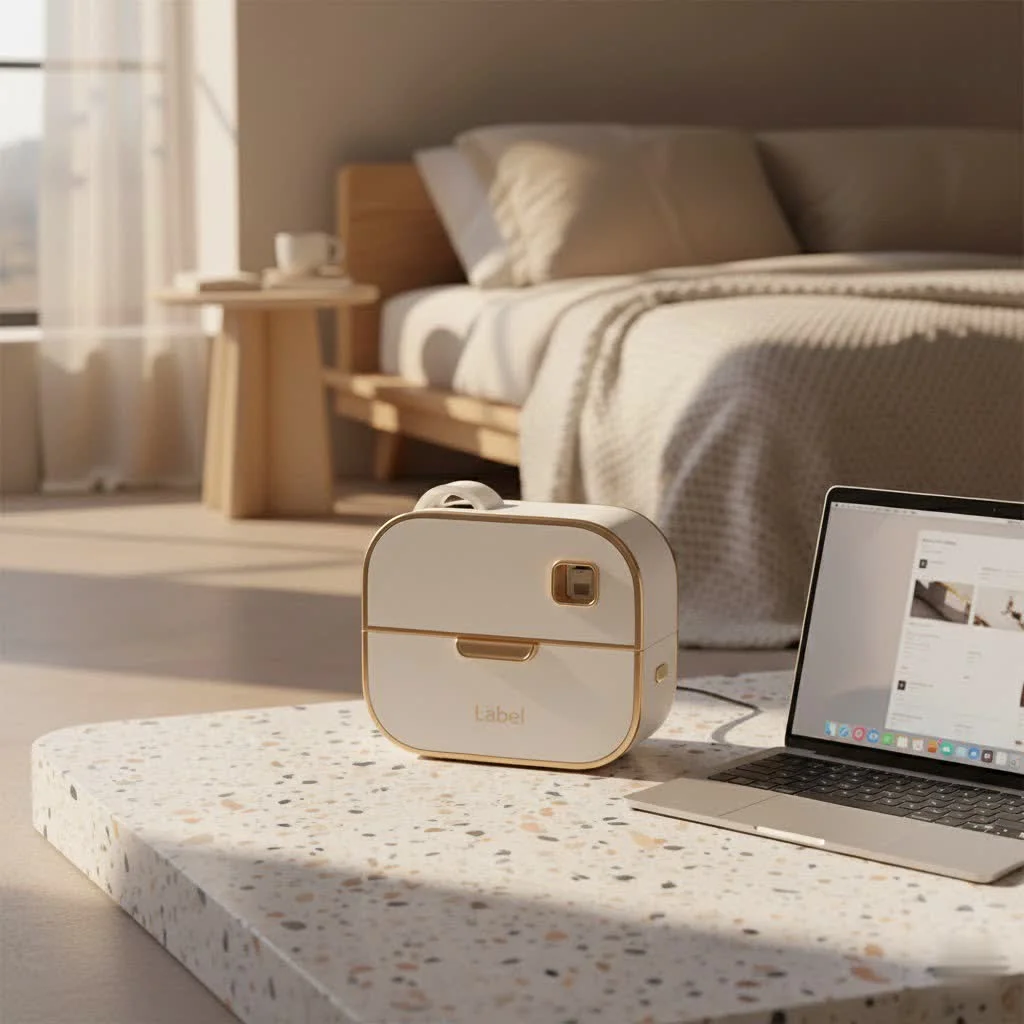
What is a Mini Label Maker and Why Do You Need One?
At its core, a mini label maker is a compact, portable device designed to create custom labels on demand. Think of it as your personal, on-the-go printer for everything from pantry jars to file folders. Unlike their bulkier desktop counterparts, mini label makers prioritize mobility and ease of use, often fitting comfortably in your hand or a small bag. They typically employ thermal printing technology, which means no messy ink cartridges or toners to replace—just clear, durable labels printed quickly and efficiently.
Why should you consider adding a mini label maker to your arsenal? The reasons are plentiful. For starters, they bring unparalleled convenience. Imagine instantly labeling an opened food container in the kitchen or a new charging cable in your home office, right there on the spot. This immediacy not only saves time but also dramatically reduces the likelihood of items going unlabeled and contributing to future disarray. Beyond practicality, mini label makers offer a creative outlet, allowing you to personalize items with various fonts, symbols, and styles, turning mundane organization into an enjoyable, expressive task.
Key Features to Look for in Your Mini Label Maker
Choosing the right mini label maker means finding one that perfectly aligns with your organizational style and specific needs. Here are the essential features to consider:
Portability & Design
When it comes to mini label makers, portability is paramount. Look for models that are lightweight and have a compact footprint. Many are handheld, designed for easy one-handed operation, making them perfect for on-the-go labeling tasks. Check the battery life as well; rechargeable lithium-ion batteries are often preferred for extended use without constant recharging, while some models use standard AA or AAA batteries. A durable build with a high-quality tear bar for precise label cutting is also a plus for longevity.
Connectivity
Modern mini label makers often boast impressive connectivity options. Bluetooth is a standout feature, allowing you to wirelessly connect your device to a smartphone or tablet. This means you can design labels using a user-friendly app, accessing a wider range of fonts, templates, and customization options than on the device’s built-in interface. Some models also offer USB connectivity for printing from a computer, adding an extra layer of versatility for more complex designs or bulk printing.
Print Quality & Technology
|
Our Picks for the Best Label Maker in 2026
As an Amazon Associate I earn from qualifying purchases.
|
||
| Num | Product | Action |
|---|---|---|
| 1 | DYMO LetraTag 100H Plus Handheld Label Maker for Office or Home |

|
| 2 | DYMO LabelManager 160 Portable Label Maker Bundle, Easy-to-Use, One-Touch Smart Keys, QWERTY Keyboard, Large Display, For Home & Office Organization, Includes 3 D1 label cassettes |
|
| 3 | DYMO Label Maker Machine with Tape - 100H LetraTag Handheld, Comes with 3 LT label tapes. Great for Home & Office Organization |
|
| 4 | EazeID Embossing Label Maker Machine with Tapes, Manual Embossed Label Maker Retro, Vintage Embosser Labeler 3/8 Inch 9mm 3D Waterproof-Labels for Scrapbooking Supplies Kids DIY Craft Home Office Use |
|
| 5 | LỖI |
|
| 6 | DETONGER DT5150P Industrial Colorfast Label Maker, Thermal Transfer Label Printer with 1.65\" W Print Head, Heavy-Duty for Outdoor Direct Sunlight Job Sites, Mobile APP & PC Editor Compatible |
|
| 7 | MeetRGB Embossed Label Maker (Includes Tape), Vintage Embossing Label Machine, Comes with 5 Rolls of 3D Embossed Labels, Suitable for Office and DIY Use—Purple |
|
| 8 | DYMO LetraTag LT-100H Handheld Aesthetic Label Maker, ABC Keyboard Label Printer with Easy-to-Use, 13 Character LCD Screen, Great for Home & Office Organization, Pink |
|
| 9 | NelkoGlobal Label Maker, Label Maker Machine with Tape, Portable Bluetooth Label Printer with Little Space, Mini D10 Label Machine with Multiple Personalized Templates for Family School |
|
| 10 | Brother P-Touch PT-N20 Personal Desktop Label Maker, Portable, Handheld and Prints, P-Touch Btag ~½” (12mm) Wide Color Personalized Label Tapes |
|
The clarity of your labels is crucial. Mini label printers typically offer a resolution of 203 DPI (dots per inch), though some advanced models can reach up to 300 DPI, delivering sharper text and images. As mentioned, most mini label makers use thermal printing, which eliminates the need for ink. This technology produces smudge-proof, fade-resistant labels that are ideal for various environments. Always consider reviews to get a real-world sense of a printer head’s quality, as this significantly impacts print clarity.
Label Variety & Customization
The best mini label makers aren’t just about printing text; they’re about expressing your organizational flair. Look for devices that offer a wide array of customization options:
- Fonts and Sizes: Multiple font styles and adjustable text sizes allow for diverse applications, from tiny labels for spice jars to bolder ones for storage bins.
- Symbols and Frames: Built-in libraries of icons, emojis, and decorative frames add a touch of personality and visual appeal to your labels.
- Label Types: Can it print on different materials (paper, plastic, fabric) or in various colors? Some advanced mini label makers even support printing barcodes and QR codes, making them useful for small businesses.
- Pre-made Templates: A good accompanying app will offer templates for common household or business items, saving you time and inspiring new labeling projects.
Ease of Use
An intuitive interface makes all the difference. Some mini label makers feature built-in QWERTY keyboards for direct input, while others are primarily app-controlled. An easy-to-navigate app with a clear design interface and a “what you see is what you get” preview function ensures a smooth labeling experience. The learning curve should be minimal, allowing you to start labeling efficiently right out of the box.
Mini Label Makers vs. Traditional Label Makers: What’s the Difference?
While both aim to create labels, mini and traditional label makers cater to different needs.
Mini Label Makers:
- Size & Portability: Small, lightweight, designed for handheld use and on-the-go labeling.
- Power Source: Primarily battery-operated (rechargeable or disposable AA/AAA).
- Connectivity: Often Bluetooth-enabled, controlled via smartphone apps.
- Printing Technology: Almost exclusively thermal, meaning no ink required.
- Cost: Generally more affordable.
- Typical Use: Home organization, personal crafts, small batch labeling, quick fixes.
Traditional (Desktop) Label Makers/Printers:
- Size & Portability: Larger, often designed for desktop use, less portable.
- Power Source: Usually AC powered, though some have battery options.
- Connectivity: Can be USB, Ethernet, Wi-Fi, and sometimes Bluetooth. Often connects to a computer with dedicated software.
- Printing Technology: Can be thermal or use ink cartridges, sometimes for wider or more complex labels.
- Cost: Can range from mid-tier to industrial-grade, often higher priced.
- Typical Use: Office document labeling, shipping labels, industrial applications, high-volume printing, specialized label types (e.g., larger format, durable materials).
In essence, mini label makers excel in flexibility and immediate convenience for smaller, spontaneous tasks, while traditional label makers offer more robust features for higher volume or specialized printing.
Creative Applications for Your Mini Label Maker
A mini label maker is far more than just a tool for categorizing files; it’s a catalyst for creativity and order in every corner of your life.
Home Organization
This is where mini label makers truly shine. Tackle that overflowing pantry by labeling containers for flour, sugar, and spices, making meal prep a breeze. Bring order to the bathroom with labels for cotton balls, Q-tips, and cleaning supplies. Organize children’s toy bins, clothing drawers, and craft supplies. Even your tech drawer can benefit from labeled charging cables, identifying which cord belongs to which device. “Labeling isn’t just about finding things faster; it’s about creating a visual language for your home that everyone understands and respects,” shares Olivia Chen, a professional home organizer.
Crafting & Hobbies
For crafters, a mini label maker is a treasure. Use it to label your project bins, yarn types, fabric scraps, or bead collections. Create custom sentiment strips for cards or scrapbook pages. Add unique tags to handmade gifts or use them to personalize journals and planners. The creative possibilities are truly endless.
Kids & Learning
Involve your kids in the organization process by letting them help label their belongings. For younger children, labeling items with both words and pictures can be a fantastic way to reinforce early reading skills and help them put things back in the right place. Imagine labels for “Books,” “Blocks,” or “Art Supplies” around their play area.
Mini Label Makers for Small Businesses: Streamlining Operations
Small businesses, from online shops to craft studios, can leverage mini label makers to boost efficiency and professionalism without a significant investment.
- Product Labeling: Create professional-looking labels for your handmade goods, food items, or retail products.
- Pricing & Barcodes: Quickly print price tags or barcodes for inventory management and point-of-sale systems.
- Shipping & Packaging: Label outgoing packages, envelopes, or storage boxes for faster fulfillment.
- Office Organization: Keep client files, supply cabinets, and equipment organized, contributing to a more productive workspace.
- Cable Management: Label server room cables or office desk wires to prevent confusion and simplify troubleshooting.
These devices streamline day-to-day tasks, freeing up valuable time that can be reinvested in growing your business.
Choosing the Right Mini Label Maker: A Practical Checklist
Ready to take the plunge? Use this checklist to find your perfect mini label maker:
- Primary Use: Will you use it mainly for home organization, crafts, or light business tasks? This will guide your feature priorities.
- Connectivity Preference: Do you prefer an app-driven experience with Bluetooth or a standalone device with a keyboard?
- Label Customization: How much variety in fonts, symbols, and label sizes do you need?
- Budget: Mini label makers are generally affordable, but prices can vary based on features and brand.
- Battery Life: Is long battery life or easy recharging important for your intended use?
- Reviews: Check recent user reviews for insights into real-world performance and reliability.
- Consumables: Are the label tapes readily available and reasonably priced?
Maintenance Tips for Your Mini Label Maker
- Clean the Print Head: Thermal print heads can accumulate dust or adhesive residue. Gently wipe the print head with an alcohol wipe or a soft, lint-free cloth as recommended by the manufacturer.
- Battery Care: If your device uses a rechargeable battery, avoid fully draining it frequently. For models with disposable batteries, remove them if the device won’t be used for an extended period to prevent leakage.
- Proper Tape Storage: Store label tape cassettes in a cool, dry place away from direct sunlight to maintain adhesive quality and prevent degradation.
- Handle with Care: While durable, mini label makers are electronic devices. Avoid dropping them or exposing them to extreme temperatures or moisture.
Embrace the Power of a Mini Label Maker
From decluttering your kitchen to professionalizing your product packaging, a mini label maker is an investment in efficiency, clarity, and peace of mind. These small but mighty devices empower you to take control of your spaces, enhance your creative projects, and streamline your small business operations with remarkable ease. So, why wait? Grab a mini label maker, start labeling, and discover how a little bit of organization can unlock a world of calm and productivity. Your future, perfectly labeled self will thank you!
Frequently Asked Questions
What kind of labels do mini label makers use?
Most mini label makers use thermal label tape, which means they do not require ink cartridges or toner. These tapes come in various widths, colors, and materials, such as paper, plastic, or clear, and often feature a split-back design for easy peeling.
Are mini label makers easy to use for beginners?
Yes, many mini label makers are designed for user-friendliness, often featuring intuitive smartphone apps or simple QWERTY keyboards. The learning curve is typically very shallow, allowing even beginners to create labels quickly and efficiently.
Can I print custom fonts and symbols with a mini label maker?
Yes, many modern mini label makers, especially those that connect to a smartphone app via Bluetooth, offer extensive customization options. These include a wide selection of fonts, symbols, emojis, and decorative frames to personalize your labels.
Are the labels produced by mini label makers waterproof and durable?
The durability and water resistance of labels depend on the type of tape used. Many label makers offer laminated or plastic tapes that are designed to be water-resistant, fade-resistant, and more durable for various environments. Always check the specific tape specifications for optimal performance.
Can mini label makers print barcodes for small businesses?
Yes, several advanced mini label maker models and their accompanying apps now support barcode and QR code printing. This feature makes them highly valuable for inventory management, product labeling, and streamlining operations in small businesses, enhancing efficiency.
What is the best way to clean my mini label maker?
The best way to clean your mini label maker is to gently wipe the print head with an alcohol wipe or a soft, lint-free cloth to remove any dust or adhesive residue. For the exterior, a damp cloth is usually sufficient. Always refer to your device's manual for specific cleaning instructions to ensure proper maintenance.
Maintain Your Mini Label Maker for Longevity
Follow these steps to keep your mini label maker in top condition, ensuring crisp labels and a long lifespan for your device.
Thermal print heads can accumulate dust or adhesive residue over time. Gently wipe the print head with an alcohol wipe or a soft, lint-free cloth. Always follow the manufacturer's specific recommendations for cleaning.
If your device uses a rechargeable battery, avoid fully draining it frequently to prolong its life. For models with disposable batteries, remove them if the device will not be used for an extended period to prevent leakage and damage.
Store label tape cassettes in a cool, dry place away from direct sunlight. This helps maintain the adhesive quality and prevents degradation of the tape material, ensuring optimal printing results.
While mini label makers are often durable, they are electronic devices. Avoid dropping them or exposing them to extreme temperatures or moisture. Proper handling prevents internal damage and extends the device's lifespan.
Get our weekly buyer guide
Practical specs, not advice. Unsubscribe anytime.
I finally caved and bought a mini label maker after reading about how useful they are for pantry organization. It’s been a game-changer! I love that it uses thermal printing so I don’t have to worry about ink cartridges. My spice rack has never looked so good, and finding things is so much easier now.
I got a mini label maker hoping to streamline my craft supplies, and while it does make nice labels, I found the customization options a bit limited for what I wanted to do. It’s great for basic text, but I was hoping for more font variety or icon choices. Still, it’s definitely helped with the chaotic spaces in my craft room.
I was skeptical about another gadget, but the convenience of a mini label maker is undeniable. I’ve used it for everything from labeling file folders in my home office to organizing my kids’ toy bins. The labels are durable and clear, and it’s so much faster than writing everything out by hand. Definitely an indispensable tool.
This little device is super handy for my small business. I use it to label inventory bins and customer orders, and the portability is a huge plus. It fits right in my hand, making it easy to carry around the workshop. My only minor complaint is that the app can be a bit finicky sometimes, but overall, it gets the job done.