A cheap label maker can transform organization without a hefty investment, with models typically ranging from under $20 to around $70. These devices offer essential labeling capabilities for tasks like home organization or basic office needs, balancing initial cost with ongoing functionality. By prioritizing needs, considering the total cost of ownership (including tape and battery costs), and looking for key features like 180-203 dpi print quality and Bluetooth connectivity, consumers can find a robust and affordable labeling solution.
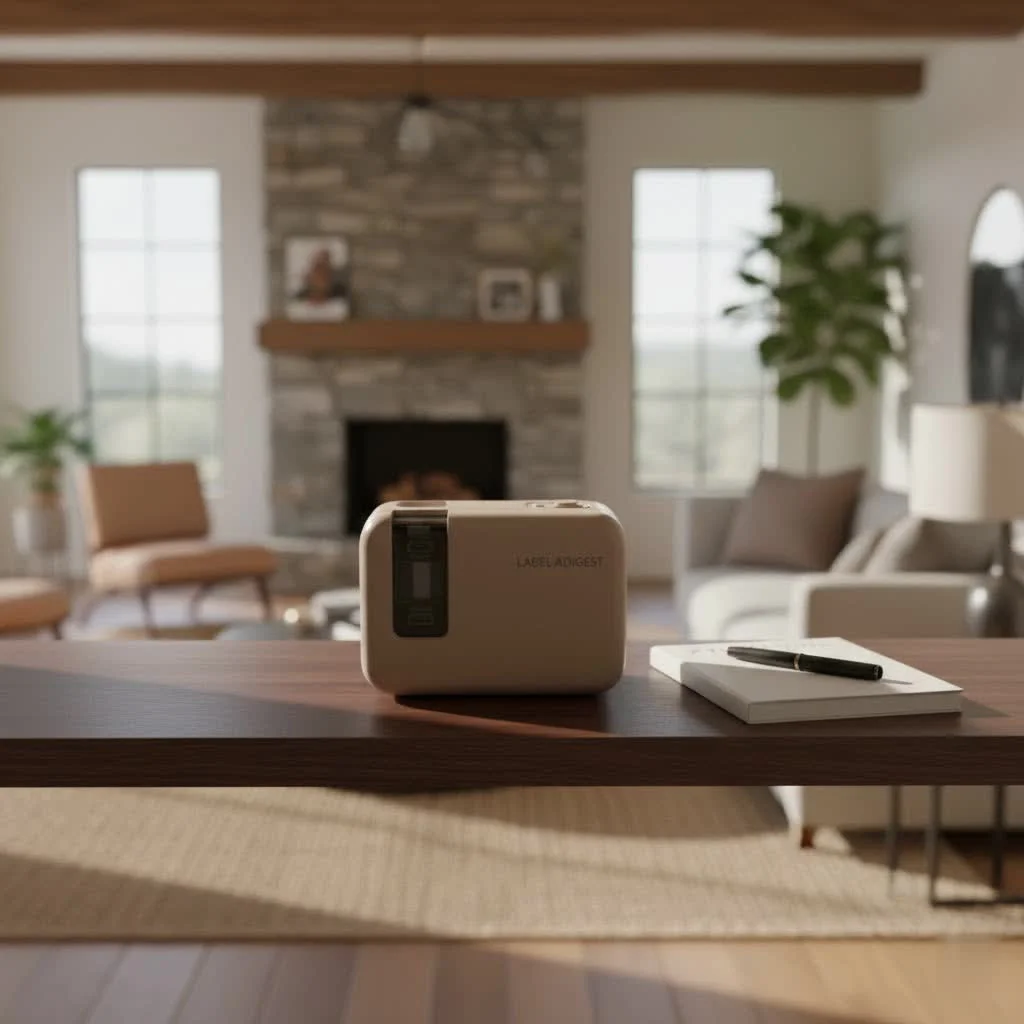
Understanding Cheap Label Makers: More Than Just a Price Tag
What exactly makes a label maker “cheap,” and can it still deliver quality results? It’s all about balancing initial cost with ongoing functionality and performance.
What Defines a “Cheap” Label Maker?
A “cheap label maker” typically refers to models ranging from under $20 to around $50, sometimes up to $70 for more advanced budget options. The goal is to find a device that offers essential labeling capabilities without unnecessary bells and whistles that drive up the price. It’s about smart spending, ensuring you get robust performance for common tasks like home organization or basic office needs without overpaying.
Types of Affordable Label Makers
Even within the “cheap” category, you’ll find a surprising variety.
- Handheld vs. Desktop: Handheld models are often the most affordable and offer portability for labeling on the go, perfect for tackling projects around the house or in different office spaces. Desktop versions might offer more features or a larger keyboard but typically come at a slightly higher price point.
- Thermal vs. Embossing: Many modern cheap label makers use thermal printing technology, which means no ink cartridges! This reduces long-term costs. Embossing label makers, like the classic DYMO models, physically press letters into plastic tape, creating a vintage look that’s battery-free and highly durable, making them a unique budget choice for specific aesthetics.
- App-Connected vs. Standalone Keyboard: The market has seen a surge in affordable Bluetooth label makers that connect to your smartphone via an app. These often provide more font, symbol, and design flexibility than traditional models with built-in QWERTY keyboards. Standalone keyboard models, however, are straightforward, requiring no phone connection, which can be a plus for simplicity.
Smart Buying: How to Choose the Best Cheap Label Maker for You
Finding the right cheap label maker involves a bit more than just grabbing the lowest-priced option. It’s about aligning the device’s capabilities with your specific needs.
Prioritize Your Needs: Home, Office, or Hobby?
Before you even look at models, ask yourself: what will I primarily use this for?
- Simple Organization for Home: If you’re tackling pantry organization, labeling storage bins, or marking cables, a basic, user-friendly model with good tape variety will suffice. Think about ease of use and portability.
- Basic Office Tasks: For file folders, binders, and general office equipment, clear print quality and quick operation are key. A model with a QWERTY keyboard or a reliable app can speed up your workflow.
- Crafting and Creative Projects: If you’re a crafter, look for a cheap label maker that offers more font styles, symbol options, and perhaps different tape colors or materials, often found in app-connected thermal printers.
Beyond the Sticker Price: The True Cost of Ownership
|
Our Picks for the Best Label Maker in 2026
As an Amazon Associate I earn from qualifying purchases.
|
||
| Num | Product | Action |
|---|---|---|
| 1 | MeetRGB Embossed Label Maker (Includes Tape), Vintage Embossing Label Machine, Comes with 5 Rolls of 3D Embossed Labels, Suitable for Office and DIY Use—Purple |

|
| 2 | DYMO Label Maker Machine with Tape - 100H LetraTag Handheld, Comes with 3 LT label tapes. Great for Home & Office Organization |
|
| 3 | EazeID Embossing Label Maker Machine with Tapes, Manual Embossed Label Maker Retro, Vintage Embosser Labeler 3/8 Inch 9mm 3D Waterproof-Labels for Scrapbooking Supplies Kids DIY Craft Home Office Use |
|
| 4 | DYMO LabelManager 160 Portable Label Maker Bundle, Easy-to-Use, One-Touch Smart Keys, QWERTY Keyboard, Large Display, For Home & Office Organization, Includes 3 D1 label cassettes |
|
| 5 | DETONGER DT5150P Industrial Colorfast Label Maker, Thermal Transfer Label Printer with 1.65\" W Print Head, Heavy-Duty for Outdoor Direct Sunlight Job Sites, Mobile APP & PC Editor Compatible |
|
| 6 | Brother P-Touch PT-N20 Personal Desktop Label Maker, Portable, Handheld and Prints, P-Touch Btag ~½” (12mm) Wide Color Personalized Label Tapes |
|
| 7 | DYMO LetraTag LT-100H Handheld Aesthetic Label Maker, ABC Keyboard Label Printer with Easy-to-Use, 13 Character LCD Screen, Great for Home & Office Organization, Pink |
|
| 8 | DYMO LetraTag 100H Plus Handheld Label Maker for Office or Home |
|
| 9 | NelkoGlobal Label Maker, Label Maker Machine with Tape, Portable Bluetooth Label Printer with Little Space, Mini D10 Label Machine with Multiple Personalized Templates for Family School |
|
| 10 | LỖI |
|
The initial price is only part of the equation. Savvy shoppers consider the total cost of ownership.
- Cost and Availability of Label Tapes/Consumables: This is crucial. Some inexpensive label makers use proprietary tapes that can be surprisingly costly over time. Always check the price and availability of refill cartridges before committing to a machine. “A low initial price can be offset by expensive or scarce supplies,” notes market analyst Anya Sharma.
- Battery vs. Rechargeable vs. AC Adapter: Many cheap label makers run on AA or AAA batteries, which can add up. Some come with rechargeable internal batteries (like the popular NIIMBOT D110), offering better long-term value. Others have optional AC adapters, which might be an extra purchase but save on battery costs.
- Label Waste Considerations: Some label makers leave a significant margin of blank tape before and after your printed label, leading to waste. If you plan on printing many short labels, minimizing waste can save a surprising amount on consumables.
Key Features to Look For in a Budget Model
Don’t compromise on essential features, even with a cheap label maker.
- Print Quality: Look for clear, legible text. A resolution of 180-203 dpi (dots per inch) is generally good for basic labeling, ensuring your labels are sharp and smudge-free.
- Connectivity: Bluetooth connectivity, often found in affordable models, allows you to design labels with a smartphone app, opening up more creative possibilities and often a more intuitive typing experience than tiny built-in keyboards.
- Ease of Use: An intuitive interface, whether it’s a simple keyboard layout or a well-designed mobile app, makes the labeling process smooth and enjoyable. Easy tape cartridge installation is also a big plus.
- Font/Symbol Variety: While high-end models boast hundreds, even a cheap label maker should offer a few font styles and a decent selection of symbols to add personality and clarity to your labels.
- Portability and Size: If you plan to carry your label maker around, a compact and lightweight design is essential. Many budget thermal label makers are remarkably small and can fit into a pocket or bag.
Top Picks for Your Budget: Recommended Cheap Label Makers
When it comes to value, certain models consistently shine. While specific prices fluctuate, these types of cheap label makers generally offer excellent performance without a high cost.
For a solid handheld option under $30, the Brother P-Touch PT-H103W is often recommended, known for its user-friendly design and good feature set. If you prefer an app-connected experience, the NIIMBOT D110 is a popular choice, praised for its affordability and diverse label styles, often priced around $20. The DYMO LetraTag 100H offers a simple, basic solution for general organization, typically around the $30 mark, though you’ll need to factor in batteries and initial label tape purchases. For those seeking slightly more versatility and features while still on a budget, models like the Brother P-Touch PT-D220 or the Phomemo M220 offer a step up, often falling in the $40-$60 range, with features like larger font options and better connectivity. The Epson LabelWorks LW-PX300, while a bit pricier, delivers industrial-style labeling at a relatively low cost, appealing to small businesses or serious hobbyists looking for professional results.
Creative & Practical Uses for Your Affordable Label Maker
A cheap label maker isn’t just a utilitarian tool; it’s a gateway to a more organized and personalized life.
Home Organization Hacks
Say goodbye to cluttered cabinets and mystery containers!
- Pantry Perfection: Label spice jars, food containers, and shelves to quickly find ingredients and maintain order.
- Storage Solutions: Clearly mark storage bins in the garage, attic, or closets, so you know exactly what’s inside without rummaging.
- Cable Chaos Control: Tame the tangle of wires behind your TV or desk by labeling each cable with its function.
- Bathroom & Laundry: Organize toiletries, cleaning supplies, and linen closets for effortless access.
Small Business Solutions on a Shoestring
Even a budget label maker can significantly boost efficiency for small operations.
- Asset Tagging: Label office equipment, tools, and inventory to keep track of assets.
- Basic Inventory Management: Create simple barcode or SKU labels for products (check if your model supports this) to streamline tracking.
- Shipping & Mailing: While not for bulk shipping, a cheap label maker can handle return addresses or small product labels for handmade goods.
- Safety Reminders: Print clear labels for emergency exits, first-aid kits, or cautionary notes in a small workshop.
Personal Touches and Crafting
Unleash your inner artist with your label maker!
- Personalized Gifts: Add custom messages or names to gift wrapping, homemade goodies, or unique presents.
- DIY Decorations: Create unique labels for jars, bottles, or even planters to add a personalized touch to your home decor.
- Educational Tools: Help children learn by labeling objects around the house with their names in different languages or for early reading practice.
- Scrapbooking & Journaling: Add captions, dates, or decorative elements to your creative projects.
Maintaining Your Cheap Label Maker for Long-Lasting Performance
Even the most affordable tools benefit from a little TLC. Proper maintenance ensures your cheap label maker serves you faithfully for years.
Tips for Care and Cleaning
Keeping your device clean is straightforward. Regularly wipe down the exterior with a soft, dry cloth to remove dust and grime. If your label maker has a print head, consult the manual for specific cleaning instructions, often involving a gentle wipe with a cotton swab and rubbing alcohol. Avoid harsh chemicals that could damage the plastic or internal components.
Managing Consumables Effectively
Smart management of your label tapes is key to maximizing value.
- Buying in Bulk: If you use a particular label tape frequently, buying multi-packs can often lead to significant savings per roll.
- Checking Compatibility: While some brands require proprietary tapes, others might be compatible with more affordable third-party options. Always verify compatibility to avoid damaging your device or getting poor print quality.
- Minimizing Waste: Utilize features like “label length preview” if available, or try to batch print multiple small labels to reduce the blank lead and trail edge waste on each cut.
FAQs About Cheap Label Makers
Here are some common questions folks have about these budget-friendly organization tools.
Q: Can cheap label makers print durable labels?
A: Many cheap label makers, especially thermal ones from reputable brands like Brother and Epson, use laminated or strong adhesive tapes that are surprisingly durable and resistant to water, fading, and smudges. However, performance can vary by tape type.
Q: Are app-connected cheap label makers better than those with keyboards?
A: It depends on your preference. App-connected models often offer more fonts, symbols, and design flexibility through your smartphone. Keyboard models are simpler, quicker for basic text entry, and don’t require a phone, making them ideal for quick, no-fuss labeling.
Q: How do I minimize label tape waste?
A: Look for models with minimal lead/trail margins, or features like “chain printing” that print multiple labels consecutively with less waste between them. Some advanced models also have auto-cutters that are more efficient.
Q: What’s the difference between thermal and standard (ink) label makers?
A: Thermal label makers use heat to print directly onto special thermal paper or tape, meaning no ink cartridges are needed, which saves money. Standard (direct thermal or thermal transfer) printers use ink ribbons or toner, which have different maintenance and cost considerations. Most cheap label makers today are thermal.
Q: Can I use third-party label tapes with a cheap label maker?
A: Some brands use proprietary label technology, which limits compatibility with third-party tapes, potentially increasing operational costs. Always check your specific model’s requirements. Using non-compatible tapes could void your warranty or cause poor print quality.
Conclusion
Choosing a cheap label maker doesn’t mean sacrificing quality or functionality. With the right approach, you can find a powerful, budget-friendly tool that streamlines your organization efforts, boosts your creativity, and even aids your small business, all without a significant financial outlay. From tackling kitchen clutter to personalizing gifts, an affordable label maker is an investment in efficiency and peace of mind. So go ahead, embrace the power of precise labeling, and improve your world, one perfectly printed sticker at a time!
Choose the Best Cheap Label Maker for Your Needs
Finding the right cheap label maker involves aligning the deviceu2019s capabilities with your specific needs, considering both initial cost and long-term value.
Determine the primary use for your label maker, whether it's for simple home organization, basic office tasks, or crafting projects. This will help narrow down features like portability, print quality, and font variety. For example, home users might prioritize ease of use, while crafters might seek more font and symbol options.
Look beyond the initial purchase price by considering the cost and availability of label tapes and consumables. Some inexpensive label makers use proprietary tapes that can be costly over time. Also, factor in battery costs versus rechargeable options or AC adapters for better long-term value.
Even with a budget model, prioritize features like clear print quality (180-203 dpi is good for basic labeling), connectivity options like Bluetooth for smartphone app design, and ease of use. A decent selection of fonts and symbols, along with a compact, portable design, can also enhance your labeling experience.
Get our weekly buyer guide
Practical specs, not advice. Unsubscribe anytime.
I’ve been using a cheap label maker for a few months now, mostly for my home office. The print quality is surprisingly good, even at 180 dpi. My only minor complaint is that the tape can be a bit pricey if you don’t buy in bulk, which definitely adds to the total cost of ownership. Something to keep in mind when you’re budgeting.
This was super helpful in narrowing down my options. I needed something for basic office needs and didn’t want to overspend. I found a great model that balances initial cost with solid functionality. It’s made a huge difference in keeping my files and storage bins organized without breaking the bank.
I was really hesitant to spend a lot on a label maker, so I focused on models under $70. This guide helped me realize that even at that price point, you can get great features. I ended up with one that has Bluetooth connectivity and it’s been a game-changer for organizing my pantry and craft supplies. Definitely recommend looking for that feature!
I picked up a basic model for under $20, and while it gets the job done for simple tasks, I wish I’d paid more attention to the battery costs. It eats through AA batteries pretty quickly, which is a bit annoying. Next time, I’ll definitely look for one with a rechargeable option or at least better battery life.