The Brother P-touch PT-D210 label maker is a highly recommended tool for organization due to its intuitive QWERTY keyboard, extensive customization options with 14 fonts and over 600 symbols, and its use of durable TZe laminated tapes. This compact device, weighing just over a pound, prints labels up to 12mm wide at 20mm per second and can save up to 30 frequently used labels, making it ideal for both home and office use.
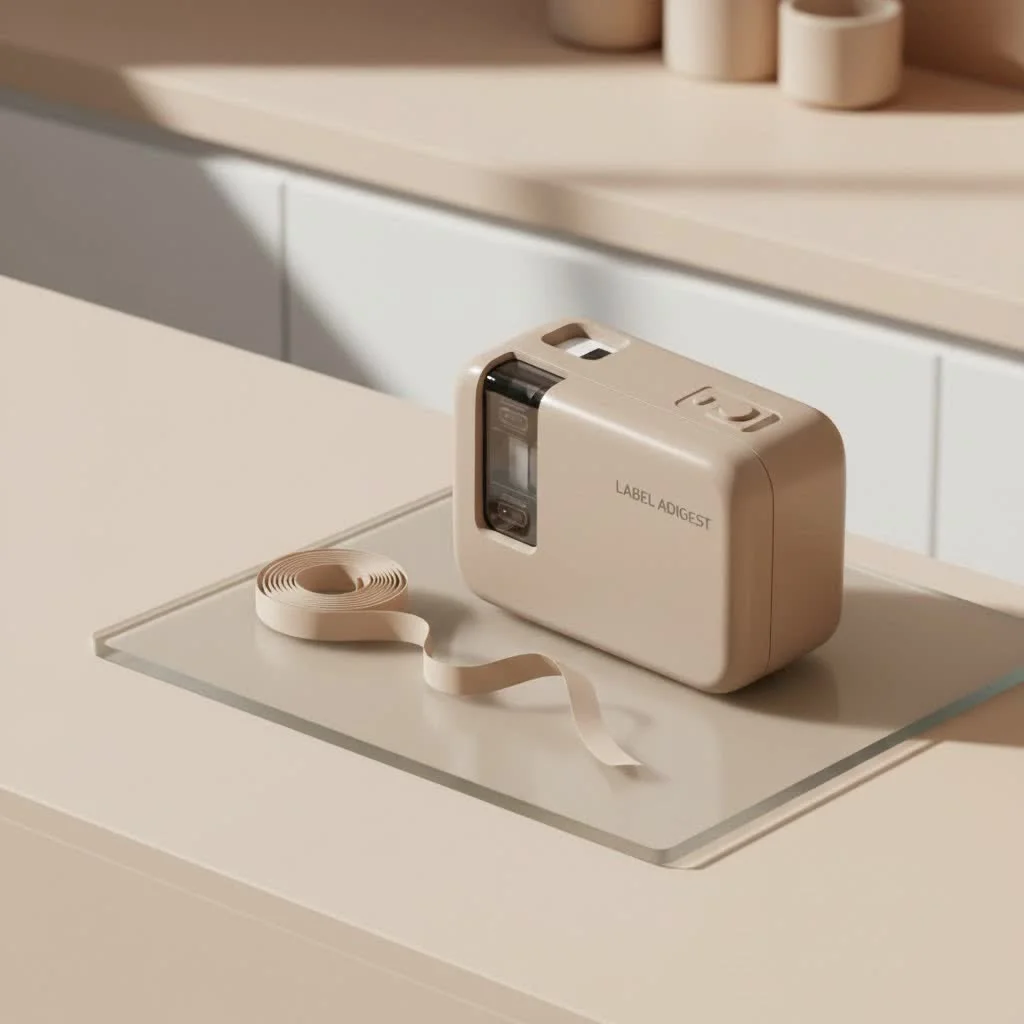 label maker on a desk” style=”margin: 20px auto;width: 800px;max-width: 100%;height: auto” />
What Makes the Brother P-touch PT-D210 Stand Out?
The Brother PT-D210 focuses on practical, high-quality labeling with surprising ease. It offers an impressive array of features without being overly complex or expensive. For shop curated label makers on this site.
Intuitive QWERTY Keyboard for Effortless Typing
Unlike many entry-level label makers, the PT-D210 features a familiar QWERTY layout. This makes typing labels feel natural and significantly faster, especially for longer descriptions or when creating multiple labels in batches, enhancing productivity.
A World of Customization at Your Fingertips
The Brother PT-D210 offers extensive creative options to personalize labels. Users can choose from 14 fonts, 10 styles, and nearly 100 decorative frames. With over 600 built-in symbols, options are virtually limitless for adding professional or fun touches, ensuring labels are both functional and visually appealing.
The Power of TZe Laminated Tapes: Durability Explained
A key advantage of the Brother P-touch PT-D210 is its use of TZe laminated tapes, engineered for serious durability. These tapes feature a unique lamination process that protects printed text from water, UV fading, abrasion, and extreme temperatures ranging from -4°F to 176°F. This longevity ensures labels won’t fade or peel, reducing the need for re-labeling.
Compact Design, Mighty Performance
The Brother P-touch PT-D210 label maker is designed for portability and convenience, weighing just over a pound. Its compact footprint saves desk space, yet it prints labels up to 12mm wide at a speed of up to 20mm per second. The 2-line LCD display allows text preview, minimizing errors and tape waste, and it can save up to 30 frequently used labels.
Getting Started: Your PT-D210 Setup Guide
Diving into labeling with your Brother PT-D210 is a straightforward process, allowing you to create professional-looking labels in minutes!
Unboxing and Powering Up
The PT-D210 typically includes the label maker, a starter TZe tape cartridge, and an instruction manual. For power, you can use six AAA batteries for portability or purchase an optional AC adapter for continuous desktop use.
Loading Your TZe Tape: A Quick, Crucial Step
To load the tape, open the tape compartment cover, insert the TZe tape cartridge, and push it until it clicks into place. Ensure the tape is properly seated and extends slightly from the slot to prevent jams.
Crafting Your First Label: Basic Text Entry and Printing
With your PT-D210 powered on and tape loaded, you’re ready to create!
- Type Your Text: Use the QWERTY keyboard to enter your desired label text.
- Adjust Settings (Optional): Explore the one-touch function keys above the keyboard to change fonts, sizes, styles (bold, italic), or add an underline/frame.
- Preview: The LCD screen shows your text, allowing you to catch any typos or formatting issues before printing.
- Print: Press the “Print” button. The label will emerge from the tape exit slot.
- Cut: Use the manual cutter lever on the side to cleanly cut your label. TZe tapes also feature a split-back design for easy peeling.
Beyond the Basics: Unleashing Your PT-D210’s Creative Potential
|
Our Picks for the Best Label Maker in 2026
As an Amazon Associate I earn from qualifying purchases.
|
||
| Num | Product | Action |
|---|---|---|
| 1 | DETONGER DT5150P Industrial Colorfast Label Maker, Thermal Transfer Label Printer with 1.65\" W Print Head, Heavy-Duty for Outdoor Direct Sunlight Job Sites, Mobile APP & PC Editor Compatible |

|
| 2 | LỖI |
|
| 3 | Brother P-Touch PT-N20 Personal Desktop Label Maker, Portable, Handheld and Prints, P-Touch Btag ~½” (12mm) Wide Color Personalized Label Tapes |
|
| 4 | DYMO LetraTag 100H Plus Handheld Label Maker for Office or Home |
|
| 5 | DYMO LabelManager 160 Portable Label Maker Bundle, Easy-to-Use, One-Touch Smart Keys, QWERTY Keyboard, Large Display, For Home & Office Organization, Includes 3 D1 label cassettes |
|
| 6 | DYMO LetraTag LT-100H Handheld Aesthetic Label Maker, ABC Keyboard Label Printer with Easy-to-Use, 13 Character LCD Screen, Great for Home & Office Organization, Pink |
|
| 7 | DYMO Label Maker Machine with Tape - 100H LetraTag Handheld, Comes with 3 LT label tapes. Great for Home & Office Organization |
|
| 8 | NelkoGlobal Label Maker, Label Maker Machine with Tape, Portable Bluetooth Label Printer with Little Space, Mini D10 Label Machine with Multiple Personalized Templates for Family School |
|
| 9 | MeetRGB Embossed Label Maker (Includes Tape), Vintage Embossing Label Machine, Comes with 5 Rolls of 3D Embossed Labels, Suitable for Office and DIY Use—Purple |
|
| 10 | EazeID Embossing Label Maker Machine with Tapes, Manual Embossed Label Maker Retro, Vintage Embosser Labeler 3/8 Inch 9mm 3D Waterproof-Labels for Scrapbooking Supplies Kids DIY Craft Home Office Use |
|
The Brother P-touch PT-D210 label maker is more than just a text printer; it’s a tool for creative expression and smart organization.
Designing with Templates and Patterns
The PT-D210 includes various pre-designed templates for common uses like file folders or cable wraps, which automatically apply specific layouts, fonts, and borders. This saves time and ensures consistent, professional results. Users can also experiment with built-in pattern designs for craft projects or personalizing items.
Adding Flair with Symbols and Frames
The extensive library of over 600 symbols allows users to include practical icons for tools, kitchen items, or fun emojis. Combined with 97-99 available frames, labels can be both informative and visually engaging, such as a wrench symbol for a toolbox or a heart frame for a gift tag.
Tips for Efficient Label Creation
- Saving Labels: Utilize the 30-label memory for frequently printed labels, which is a significant time-saver for repetitive tasks.
- Multi-printing: The PT-D210 allows printing up to nine copies of the same label with a single command, ideal for bulk labeling.
- Margin Control: Adjusting margin settings can help optimize tape usage and minimize blank space, reducing tape waste.
Smart Solutions for Every Space: Where Your PT-D210 Shines
The versatility of the Brother P-touch PT-D210 label maker makes it an invaluable asset in countless scenarios.
Home Organization Hero
Conquer clutter by labeling spice racks, pantry items, food containers, and cables. According to Eleanor Vance, an organizational consultant, “The PT-D210’s durable, laminated labels are perfect for everything from the deep freeze to the garden shed, standing up to real life.”
Office Efficiency Booster
In a professional setting, clear labeling is paramount. Use the PT-D210 to categorize file folders, archive boxes, shelving units, and create asset tags for equipment or temporary visitor badges, ensuring quick retrieval and clear identification.
Creative Projects & Personal Touches
Beyond utility, the PT-D210 is excellent for creative endeavors. Design custom gift tags, create unique labels for homemade preserves or crafts, or add personalized touches to scrapbook pages using decorative frames and varied fonts.
Keeping Your PT-D210 Running Smoothly: Maintenance & Troubleshooting
Knowing how to maintain your Brother P-touch PT-D210 label maker and troubleshoot common issues can save time and frustration.
Common Issues and Quick Fixes
- Tape Jams: Often caused by incorrect tape loading or debris. Remove the cartridge, check for obstructions, and reinsert properly. A soft cloth can clean the path.
- Faded or Incomplete Print: Usually due to low battery power; replace the six AAA batteries or use the AC adapter. A dirty print head can be cleaned with a cotton swab.
- Power Issues: If the machine won’t turn on or displays “Battery Empty!”, check battery orientation or replace them. Ensure the AC adapter is securely plugged in.
- “Cutter Error”: Indicates tape stuck in the cutter mechanism. Carefully remove any visible tape and try resetting the machine.
Maximizing Tape Life
To maximize tape life and reduce waste, utilize the preview function before printing, adjust margins to minimize blank space, and use the “multi-print” feature for batches of identical labels instead of typing each one individually.
When to Seek Support
If your PT-D210 “locks up” or displays an “Invalid!” error, a simple reset can often fix it. Turn the label maker off, then hold down the “Shift” and “Clear” buttons while pressing the “Power” button. Release “Power” first, then “Shift” and “Clear” to restore factory defaults. For persistent issues, consult the user manual or Brother customer support.
Why the Brother P-touch PT-D210 is a Top Choice (Even Today)
The Brother P-touch PT-D210 label maker remains a highly recommended tool due to its straightforward operation, robust features, and the exceptional durability of its TZe laminated labels. It consistently receives high marks for ease of use, label quality, and overall reliability, making it an excellent investment for personal and professional organization. Its QWERTY keyboard and extensive customization options set it apart, offering an intuitive and empowering user experience. This label maker is about printing solutions, fostering efficiency, and adding a touch of personal polish to your world, making it a trustworthy choice for lasting order.
Frequently Asked Questions
What makes the Brother P-touch PT-D210 label maker unique?
The Brother P-touch PT-D210 stands out due to its intuitive QWERTY keyboard, extensive customization options including 14 fonts and over 600 symbols, and its use of highly durable TZe laminated tapes. These features combine to offer a user-friendly and long-lasting labeling solution.
How durable are the labels created by the PT-D210?
Labels created by the PT-D210 using TZe laminated tapes are exceptionally durable. They are protected against water, UV fading, abrasion, and extreme temperatures ranging from -4u00b0F to 176u00b0F, ensuring they remain legible and intact for years.
Can I save frequently used labels on the Brother PT-D210?
Yes, the Brother PT-D210 label maker allows you to save up to 30 frequently used labels in its memory. This feature is a significant time-saver for repetitive tasks, enabling quick reprints without retyping.
What are the power options for the Brother P-touch PT-D210?
The Brother P-touch PT-D210 can be powered by six AAA batteries for portability or by an optional AC adapter for continuous desktop use. This flexibility allows users to choose the best power source for their specific needs.
How do I troubleshoot common printing issues with the PT-D210?
Common issues like faded print are often due to low batteries or a dirty print head; replace the six AAA batteries or clean the print head with a cotton swab. Tape jams usually result from incorrect loading or debris; remove the cartridge, check for obstructions, and reinsert it properly.
Get our weekly buyer guide
Practical specs, not advice. Unsubscribe anytime.
This label maker is pretty solid for the price. I really appreciate the TZe laminated tapes; they feel super durable and I’m not worried about them peeling off my storage bins in the garage. The ability to save up to 30 frequently used labels is a real time-saver for my office filing system.
I finally caved and bought the Brother P-touch PT-D210 after seeing it recommended everywhere, and I’m so glad I did! The QWERTY keyboard makes typing labels a breeze, way better than those clunky ABC layouts on other models. I’ve been organizing my pantry and craft supplies, and the 12mm wide labels are perfect for everything.
Seriously, if you’re on the fence about a label maker, get this one. The 600+ symbols are fantastic for adding a little flair to my labels, and it’s so easy to switch between them. It’s lightweight too, so I can carry it around the house without any hassle while I’m tackling different organizing projects.
The Brother PT-D210 does a good job with basic labels, and the 14 fonts are a nice touch for customizing. My only minor complaint is that while it’s compact, I wish the screen was a little larger for easier previewing, especially when I’m trying to use some of the smaller symbols. It’s still a decent tool for home organization though.