Ever stared at a spaghetti-like tangle of wires behind your desk, in a server rack, or within an industrial control panel, feeling a wave of dread? You’re not alone. In today’s hyper-connected world, managing cables can feel like an impossible task, leading to frustrating downtime, safety hazards, and a general sense of chaos. But what if I told you there’s a straightforward solution that brings order to this electrical anarchy? Enter the cable label maker. This unassuming device is a game-changer for anyone dealing with wires, from the home enthusiast organizing their entertainment system to seasoned IT professionals and industrial electricians.
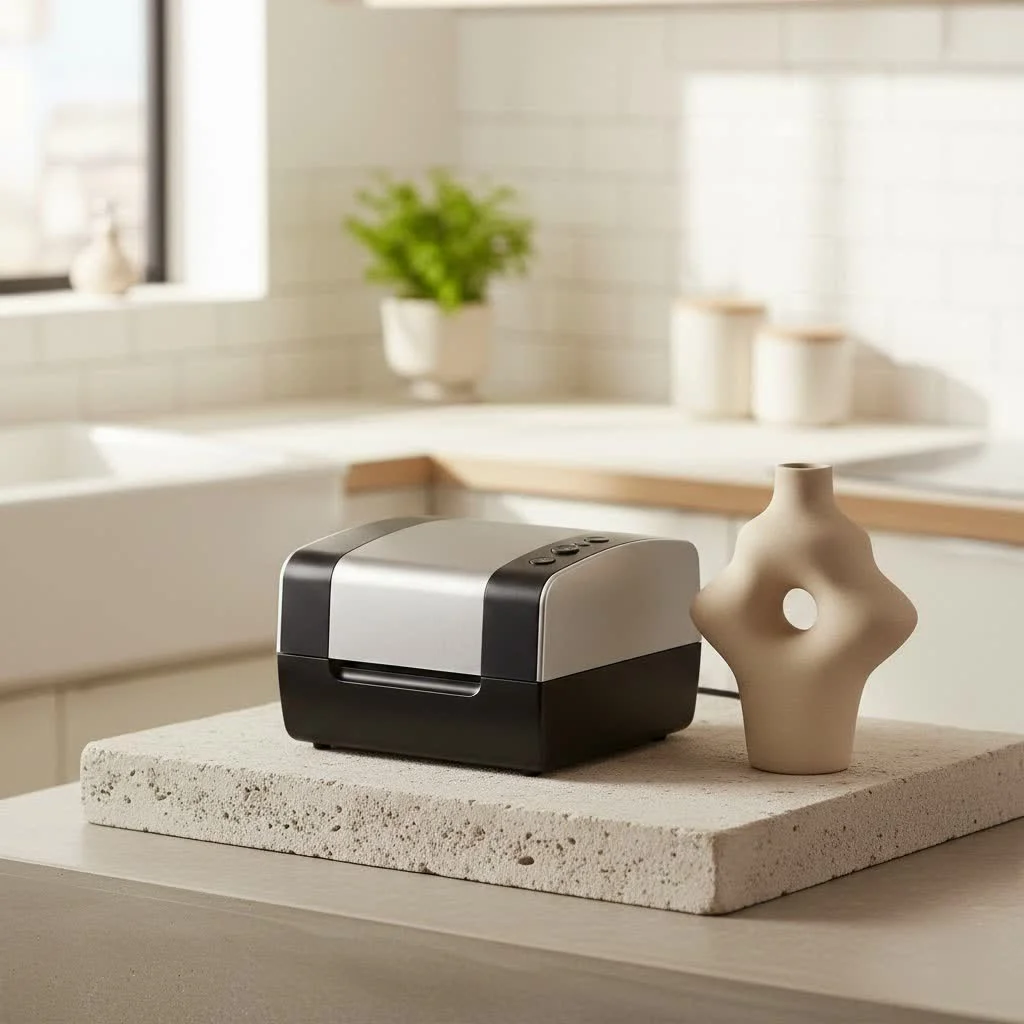
At Paerm.com, we believe in empowering our readers with the knowledge to tackle complex technical issues with confidence. A reliable cable label maker isn’t just about printing sticky bits of paper; it’s about enhancing safety, boosting efficiency, and ensuring the longevity of your valuable infrastructure. This guide will walk you through everything you need to know about cable label makers, helping you select the perfect tool, master its use, and unlock its full potential for a truly organized and productive environment.
What is a Cable Label Maker and Why Do You Need One?
A cable label maker is a specialized printing device designed to create durable, legible labels specifically for identifying wires, cables, and other components in electrical, data, and communication systems. Unlike general-purpose label makers or, heaven forbid, handwritten labels, cable label makers produce labels that withstand harsh conditions and adhere securely to curved surfaces.
So, why is this specialized tool so crucial? The benefits are manifold:
- Boosted Efficiency: Imagine troubleshooting a network issue or performing maintenance on an industrial machine. With clearly labeled cables, identifying the correct wire becomes a matter of seconds, not minutes or hours. This dramatically reduces diagnostic and repair times, saving valuable resources.
- Enhanced Safety: Misidentified or unlabeled cables pose significant safety risks, especially in electrical installations. A cable label maker ensures that critical warnings, circuit identifications, and voltage information are always clear, preventing accidental disconnections or dangerous interventions.
- Professionalism: Organized, clearly labeled cabling systems reflect a high standard of workmanship. Whether it’s a client’s server room or your home office, well-marked cables convey competence and attention to detail.
- Reduced Errors: Manual handwriting is prone to smudging, fading, and misinterpretation. A cable label maker generates crisp, machine-readable text, minimizing human error during installation, maintenance, and upgrades.
- Compliance with Standards: Many industries, particularly in telecommunications and data networking, require adherence to specific labeling standards like ANSI/TIA 606-B/D. Cable label makers are designed to help you meet these stringent requirements, ensuring your installations are compliant and auditable.
As renowned cabling expert Alex Chen often says, “In the world of complex infrastructures, an unlabeled cable is a hidden problem waiting to happen. A good cable label maker is your first line of defense against chaos.”
Types of Cable Label Makers: Finding Your Match
Just as no two cable management challenges are identical, neither are all cable label makers. Choosing the right one depends largely on your specific needs, environment, and volume of work.
Handheld Cable Label Makers
|
Our Picks for the Best Label Maker in 2026
As an Amazon Associate I earn from qualifying purchases.
|
||
| Num | Product | Action |
|---|---|---|
| 1 | MeetRGB Embossed Label Maker (Includes Tape), Vintage Embossing Label Machine, Comes with 5 Rolls of 3D Embossed Labels, Suitable for Office and DIY Use—Purple |

|
| 2 | DETONGER DT5150P Industrial Colorfast Label Maker, Thermal Transfer Label Printer with 1.65\" W Print Head, Heavy-Duty for Outdoor Direct Sunlight Job Sites, Mobile APP & PC Editor Compatible |
|
| 3 | LỖI |
|
| 4 | DYMO LetraTag 100H Plus Handheld Label Maker for Office or Home |
|
| 5 | NelkoGlobal Label Maker, Label Maker Machine with Tape, Portable Bluetooth Label Printer with Little Space, Mini D10 Label Machine with Multiple Personalized Templates for Family School |
|
| 6 | DYMO Label Maker Machine with Tape - 100H LetraTag Handheld, Comes with 3 LT label tapes. Great for Home & Office Organization |
|
| 7 | DYMO LabelManager 160 Portable Label Maker Bundle, Easy-to-Use, One-Touch Smart Keys, QWERTY Keyboard, Large Display, For Home & Office Organization, Includes 3 D1 label cassettes |
|
| 8 | DYMO LetraTag LT-100H Handheld Aesthetic Label Maker, ABC Keyboard Label Printer with Easy-to-Use, 13 Character LCD Screen, Great for Home & Office Organization, Pink |
|
| 9 | EazeID Embossing Label Maker Machine with Tapes, Manual Embossed Label Maker Retro, Vintage Embosser Labeler 3/8 Inch 9mm 3D Waterproof-Labels for Scrapbooking Supplies Kids DIY Craft Home Office Use |
|
| 10 | Brother P-Touch PT-N20 Personal Desktop Label Maker, Portable, Handheld and Prints, P-Touch Btag ~½” (12mm) Wide Color Personalized Label Tapes |
|
Main Features: Compact, battery-powered, often with an integrated QWERTY keyboard and a small display.
Best For: On-site electrical work, telecommunications installations, and quick fixes in the field.
Why they’re great: Their portability is unmatched. You can easily carry them in a toolkit, making them ideal for labeling cables that are already installed or in hard-to-reach areas. Many modern handheld models offer Bluetooth connectivity, allowing you to design labels on your smartphone via an app, which adds a layer of convenience and flexibility.
Desktop Cable Label Makers
Main Features: Typically larger, often designed to connect to a computer for high-volume printing. They can handle a wider range of label sizes and types.
Best For: Wire and production lines, organized workshops, or offices where a large quantity of labels needs to be printed from a centralized location.
Why they’re great: Desktop models excel in speed and output. They are perfect for preparing batches of labels before heading to a job site or for large-scale labeling projects. Their software often provides advanced design capabilities and integration with databases.
Industrial Cable Label Makers
Main Features: Built to be rugged and durable, these machines are designed to withstand harsh environments. They often support a broader array of specialized, heavy-duty label materials.
Best For: Outdoor installations, manufacturing plants, data centers, and heavy-duty MRO (Maintenance, Repair, and Operations) applications.
Why they’re great: If your work environment involves extreme temperatures, dust, moisture, or chemical exposure, an industrial label maker is your best bet. They are engineered for longevity and reliability under the toughest conditions, ensuring labels remain legible and adhesive for years.
Deciphering Label Types: Choosing the Right Material
The label is just as important as the label maker itself. Different cable label types offer varying levels of durability, adhesion, and application methods. Matching the label material to its environment is key for long-lasting identification.
Heat Shrink Labels
These are sleeves that are printed and then shrunk onto a cable using a heat gun, providing a secure, permanent, and tamper-resistant identification.
Best For: Permanent identification of wires before termination, offering excellent resistance to moisture, oils, and abrasion.
Wrap-Around Labels
A popular choice, these labels feature a printed area with a clear “tail” that wraps around the cable and then overlays the printed text, protecting it from wear and tear.
Best For: Densely packed network racks, server rooms, and Ethernet lines where a secure fit and protection against friction are crucial. They can be applied to already-terminated cables.
Self-Laminating Labels
Similar to wrap-around labels, these have an adhesive base with a clear, self-laminating layer that covers and protects the printed information.
Best For: Harsh environments where exposure to chemicals, solvents, and extreme temperatures is a concern, providing superior durability and legibility.
Flag Labels
These labels stick to themselves, creating a “flag” that extends out from the cable, making it easy to spot and read.
Best For: Smaller outer diameter wires and cables where space is limited, or when you need information to be visible from different angles.
Other common materials include PP (Polypropylene) for moderate durability indoors, Polyolefin for flexible, heat-shrinkable applications, and PE (Polyethylene) for temporary or short-term needs. Always verify your chosen printer’s compatibility with various label materials to ensure maximum flexibility for your projects.
Key Features to Consider When Buying a Cable Label Maker
When investing in a cable label maker, it’s not just about picking the first one you see. A few critical features can significantly impact its performance, versatility, and your overall satisfaction.
Print Technology
Most professional cable label makers use thermal transfer printing. This technology melts a resin ribbon onto a softened plastic base, creating permanent, smudge-resistant labels that are highly resistant to UV light, heat, and solvents. While direct thermal printers are less expensive, they are better suited for short-duration labels not exposed to harsh conditions, as their print can fade over time.
Resolution
A printer resolution of 300 dpi (dots per inch) or greater ensures that text is sharp, clear, and easy to read. This is particularly important if you plan to print small text, complex symbols, or scannable barcodes, which require high clarity for accurate reading.
Connectivity
Modern cable label makers offer various connectivity options:
- USB: For direct connection to a computer, common with desktop and some industrial models.
- Bluetooth: Allows wireless connection to smartphones or tablets, enabling label design and printing via mobile apps, ideal for field use.
- Wi-Fi: Provides network connectivity for seamless integration into office or industrial networks, often found in higher-end desktop and industrial printers.
User-Friendliness
A straightforward user interface can save significant time. Look for:
- QWERTY Keyboard: For fast and intuitive text input.
- Backlit Display: Ensures readability in various lighting conditions.
- Auto-Cutter: Automatically cuts labels after printing, speeding up the labeling process and reducing waste.
Durability
For demanding environments, consider models with:
- Drop-Test Resistance: Many portable industrial models are designed to survive drops from several feet.
- Military-Grade Shock Resistance (e.g., MIL-STD-810G): Ensures the device can withstand significant impacts and vibrations.
- Environmental Resistance: Protection against dust, water, and extreme temperatures.
Label Compatibility
Ensure your chosen label maker supports a wide range of label sizes and types, including heat-shrink tubes, wrap-arounds, and various tape widths. Some printers are restricted to manufacturer-specific labels, which can limit your options and potentially increase costs.
Battery Life
For handheld and portable models, a long-lasting rechargeable battery is essential for uninterrupted work in the field. Look for devices with large-capacity batteries and ultra-long standby times to keep you productive throughout the day.
Software Integration
Advanced label makers often come with companion software for PCs or mobile devices. This software can offer:
- Templates: Pre-designed layouts for common applications.
- Data Import: Ability to import data from Excel spreadsheets or CAD systems for batch printing.
- Customization: Extensive font, symbol, and graphic options for tailored labels.
Mastering Cable Labeling: Best Practices and Standards
A cable label maker is merely a tool; its true power lies in how you use it. Adhering to best practices and industry standards ensures your labeling system is effective, durable, and universally understood.
ANSI/TIA 606-B/D Standards
For telecommunications and network systems, adherence to ANSI/TIA 606-B/D standards is critical. These voluntary guidelines establish identification and labeling protocols for all infrastructure components, including individual cables, bundled wires, patch panels, and racks. Key requirements include:
- Machine-Generated Labels: Text and numeric codes must be printed, not handwritten, for legibility and consistency.
- Durability: Labels must be smear-resistant, abrasion-resistant, and able to withstand moisture, humidity, UV light, chemicals, solvents, and extreme temperatures. They should also meet UL969 specifications for legibility, defacement, and adhesion, with a design life equal to or greater than the labeled components.
- Pervasive Labeling: All cables and pathways must be labeled at both ends, identifying the termination points for easy tracking and tracing.
- Logical Consistency: Use a logical, consistent numbering and naming scheme across all locations, matching project documentation and drawings.
Labeling Logic and Placement
- Label Both Ends: Always label both ends of every cable (network, power, audio, etc.) to eliminate guesswork during troubleshooting.
- Consistent ID: Implement a unique, serialized ID for each cable (e.g., an 8-digit hexadecimal ID). Avoid using device-specific labels directly on cables, as components change, but cables often get reused.
- Strategic Placement: Place labels within 4-5 inches of the connector to allow for easy identification without needing to pull the cable. For long runs through walls or ceilings, consider adding mid-point tags.
- Clean Cables: Before applying labels, ensure cables are clean and free of dirt or oil to guarantee proper adhesion.
- Legible Fonts: Use simple, clear font types that are easy to read in all lighting conditions.
Creative Applications and Business Solutions
While often associated with IT and electrical work, the utility of a cable label maker extends far beyond these traditional applications.
For the Home and Office
- Entertainment Systems: Labeling HDMI, audio, and power cables behind your TV prevents frustrating reconnections.
- Home Networks: Identify router ports, Ethernet runs, and power adapters for easier troubleshooting and upgrades.
- DIY Projects: Keep track of wiring in custom electronics, robotics, or smart home installations.
For Businesses and Industry
- Data Centers: Essential for managing thousands of network, power, and fiber optic cables, enabling rapid incident response and efficient capacity planning.
- Manufacturing: Labeling control panel wiring, sensor cables, and machinery components ensures smooth operations and faster maintenance.
- Audio/Video Production: Clearly marking stage lighting, sound system, and camera cables streamlines setup, teardown, and inventory management for events and film shoots.
- Vehicle Maintenance: Identifying wiring harnesses in automotive or heavy equipment repair.
By providing clear, durable identification, a cable label maker streamlines operations, reduces errors, and contributes to a safer, more organized work environment across virtually every sector.
Expert’s Corner: My Top Tips for Optimal Cable Labeling
As someone who has wrestled with countless cable nightmares and emerged victorious, I can tell you that a well-implemented labeling system is pure gold. Here are my personal top tips for getting the most out of your cable label maker:
- Plan Your Naming Convention First: Before you even print your first label, establish a clear, hierarchical naming scheme. Think about what information is essential (source, destination, cable type, port number) and how to abbreviate it consistently. A well-thought-out system will prevent future confusion.
- Invest in Quality Labels: Don’t skimp on label tape. The best label maker in the world is useless if its labels peel off, smudge, or fade. Prioritize labels that are specifically designed for cables and match the environmental demands of your application. Thermal transfer labels are almost always the superior choice for longevity.
- Utilize Software Features: Many professional cable label makers come with powerful software. Take the time to learn it! Features like chain printing, serialization, and database import can save you enormous amounts of time, especially for large projects.
- Embrace Color-Coding (Where Appropriate): While not a substitute for clear text, using different colored labels or background colors for power, network, or audio cables can provide a quick visual cue, enhancing readability. Just ensure the color scheme is documented and consistent.
- Tag Both Ends – No Exceptions: This is non-negotiable. Always label both ends of every cable. It might seem redundant initially, but it’s invaluable when tracing a cable through bundles or trying to verify connections.
Conclusion
In a world increasingly dependent on interconnected systems, the humble cable label maker has transformed from a simple organizational tool into an essential asset for efficiency, safety, and professionalism. From eliminating cable clutter in your home to ensuring critical infrastructure compliance in enterprise data centers, a reliable cable label maker empowers you to take control of your wiring.
By understanding the different types of label makers, selecting appropriate label materials, and implementing best practices, you’re not just printing labels—you’re investing in a streamlined, error-free, and safer future. So, take the leap, organize your cables, and experience the profound satisfaction that comes with a perfectly identified and easily manageable system. Your future self (and anyone else working on your setup) will thank you.
Get our weekly buyer guide
Practical specs, not advice. Unsubscribe anytime.
