Running a Shopify store means juggling a lot, from product sourcing to marketing and, of course, getting those orders out the door. If you’ve ever found yourself bogged down by the manual process of creating shipping labels or felt that your product packaging could use a professional touch, then a Shopify label maker is about to become your new best friend. This isn’t just about printing addresses; it’s about transforming your operational efficiency, enhancing your brand, and ultimately, boosting your bottom line.
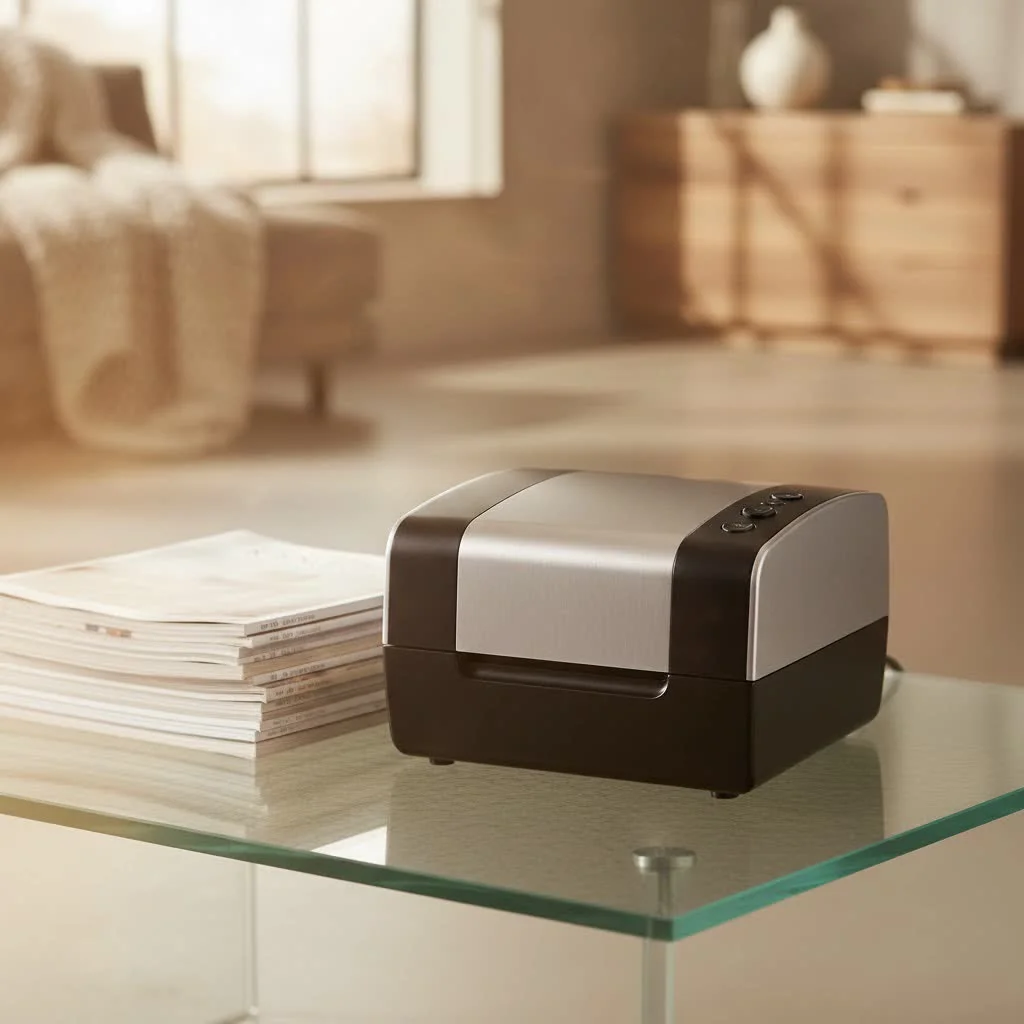
In the fast-paced world of e-commerce, every second and every impression counts. An optimized labeling strategy ensures smooth deliveries, delights your customers with professional packaging, and streamlines your entire fulfillment process. Let’s dive deep into everything you need to know about integrating a label maker into your Shopify ecosystem.
What Exactly is a Shopify Label Maker?
At its core, a Shopify label maker is a dedicated printer designed to produce various types of labels efficiently for your e-commerce business. While you can use a standard desktop printer for Shopify labels, a specialized label maker offers significant advantages in speed, cost-effectiveness, and label quality, especially for businesses with moderate to high order volumes.
The most common type you’ll encounter is a thermal label printer. Unlike inkjet or laser printers, thermal printers use heat to create images on specialized label paper, eliminating the need for expensive ink or toner cartridges. This means fewer consumables to buy and less smudging, ensuring your labels are always clear and scannable.
Why Your Shopify Store Absolutely Needs a Dedicated Label Maker
If you’re still handwriting labels or using a regular printer, you’re likely wasting valuable time and money. Here’s why a Shopify label maker is a game-changer:
- Boosted Efficiency and Speed: Manually creating labels is a major time sink. A thermal label maker can print shipping labels in mere seconds, drastically cutting down on packing time. Many solutions also allow for bulk label generation, enabling you to process multiple orders simultaneously.
- Professionalism and Branding: Crisp, clear labels convey a sense of professionalism to your customers. Beyond shipping, a label maker lets you create custom branded stickers, thank you notes, and product labels that reinforce your brand identity.
- Cost Savings: Thermal printers don’t require ink or toner, which translates to considerable savings on consumables over time. While the initial investment might be slightly higher, the long-term operational costs are significantly lower.
- Accuracy and Reduced Errors: Automated label printing minimizes the risk of human error in addresses and tracking information, leading to fewer misdeliveries and happier customers.
- Compliance: For specific shipping requirements, like Amazon FBA (Fulfilled by Amazon), accurate FNSKU labels are crucial. A label maker ensures these are printed correctly and placed appropriately.
Choosing the Right Shopify Label Maker for Your Business
Selecting the ideal Shopify label maker involves considering several factors to match your specific business needs. Think of it like finding the perfect tool for a specialized job – you wouldn’t use a hammer for a screw!
Key Considerations When Choosing
|
Our Picks for the Best Label Maker in 2026
As an Amazon Associate I earn from qualifying purchases.
|
||
| Num | Product | Action |
|---|---|---|
| 1 | DYMO LetraTag 100H Plus Handheld Label Maker for Office or Home |

|
| 2 | DYMO LabelManager 160 Portable Label Maker Bundle, Easy-to-Use, One-Touch Smart Keys, QWERTY Keyboard, Large Display, For Home & Office Organization, Includes 3 D1 label cassettes |
|
| 3 | Brother P-Touch PT-N20 Personal Desktop Label Maker, Portable, Handheld and Prints, P-Touch Btag ~½” (12mm) Wide Color Personalized Label Tapes |
|
| 4 | MeetRGB Embossed Label Maker (Includes Tape), Vintage Embossing Label Machine, Comes with 5 Rolls of 3D Embossed Labels, Suitable for Office and DIY Use—Purple |
|
| 5 | NelkoGlobal Label Maker, Label Maker Machine with Tape, Portable Bluetooth Label Printer with Little Space, Mini D10 Label Machine with Multiple Personalized Templates for Family School |
|
| 6 | DYMO LetraTag LT-100H Handheld Aesthetic Label Maker, ABC Keyboard Label Printer with Easy-to-Use, 13 Character LCD Screen, Great for Home & Office Organization, Pink |
|
| 7 | EazeID Embossing Label Maker Machine with Tapes, Manual Embossed Label Maker Retro, Vintage Embosser Labeler 3/8 Inch 9mm 3D Waterproof-Labels for Scrapbooking Supplies Kids DIY Craft Home Office Use |
|
| 8 | DYMO Label Maker Machine with Tape - 100H LetraTag Handheld, Comes with 3 LT label tapes. Great for Home & Office Organization |
|
| 9 | LỖI |
|
| 10 | DETONGER DT5150P Industrial Colorfast Label Maker, Thermal Transfer Label Printer with 1.65\" W Print Head, Heavy-Duty for Outdoor Direct Sunlight Job Sites, Mobile APP & PC Editor Compatible |
|
- Thermal vs. Inkjet/Laser: For serious Shopify merchants, thermal is almost always the way to go. It’s faster, produces more durable labels, and is more cost-effective in the long run by eliminating ink.
- Connectivity Options:
- USB: The most common and reliable connection for desktop use (e.g., Dymo, Rollo). You’ll install drivers and connect directly to your computer.
- Wi-Fi/Bluetooth: Offers more flexibility, allowing you to print from mobile devices or across a network (e.g., Brother QL, Zebra). This is particularly useful for busy warehouses or on-the-go fulfillment.
- Label Types and Sizes: Most shipping labels are 4×6 inches. Ensure your chosen printer supports this standard size. If you plan to print product labels, barcode labels, or smaller branding stickers, check if the printer supports a variety of media sizes.
- Printing Volume: If you’re a high-volume seller, look for printers known for speed (labels per minute) and durability. For example, some printers can manage 50-70 labels per minute.
- Print Quality (DPI): While 203 DPI is the industry standard for clear, readable labels, 300 DPI offers crystal-clear results with less smudging, which is great for small text or intricate logos.
- Compatibility and Integration:
- Shopify Shipping: Shopify has built-in functionality to purchase and print shipping labels.
- Third-Party Apps: Many merchants use apps like ShipStation, Shippo, or BarTender Print Connector for more advanced features, carrier integration, and workflow automation. Ensure your printer works seamlessly with these tools.
- Operating System: Confirm compatibility with Windows, Mac, Android, or iOS depending on your setup.
Top Label Maker Recommendations for Shopify Merchants
Based on performance, reliability, and popularity among e-commerce businesses, here are some widely recommended options:
- DYMO LabelWriter 4XL/5XL (USB): A long-standing favorite, known for its reliability and ability to handle 4×6 inch shipping labels efficiently without ink. It integrates well with Shopify shipping and major carriers.
- Rollo Label Printer (USB): Highly praised for its speed and user-friendliness, the Rollo X1038 is a cost-effective thermal printer compatible with all major shipping platforms, including Shopify.
- Brother QL-1110NWB (Wireless): Offers both USB and Wi-Fi connectivity, making it a versatile choice. It handles wide-format labels up to 4.1 inches and is compatible with iOS and Android devices.
- Zebra ZD Series (USB/Wireless): Zebra printers like the ZD220 or ZD421 are robust, reliable, and come with various connectivity options. They are excellent for businesses looking for durable, high-performance solutions.
- Munbyn Thermal Label Printer: Often noted for its high printing speed and ease of setup, supporting various label sizes and operating systems.
“Choosing the right Shopify label maker is an investment in your business’s future,” advises Clara Nguyen, a veteran e-commerce logistics expert. “It’s not just about printing faster; it’s about building a more resilient, professional, and profitable operation. Don’t underestimate the power of a well-organized shipping station.”
Setting Up Your Label Maker with Shopify: A Step-by-Step Guide
Getting your Shopify label maker up and running is typically straightforward. Here’s a general guide:
1. Install Printer Drivers
- Before connecting, download and install the latest drivers from your printer manufacturer’s website. This ensures your computer can communicate effectively with the device.
2. Connect Your Printer
- USB: Plug the USB cable into your printer and then into your computer. Turn the printer on.
- Wi-Fi: Follow the manufacturer’s instructions to connect your printer to your Wi-Fi network. This often involves a companion app or a setup wizard.
3. Configure Settings in Shopify
- From your Shopify admin, navigate to Settings > Shipping and delivery.
- Under “Shipping label printing,” select “4 x 6 label printers (DYMO or similar)” as your default.
- You can often print a test label to ensure everything is configured correctly.
4. Print Your First Label
- Desktop:
- Go to Orders in your Shopify admin.
- Select the order(s) you want to fulfill. For multiple orders, use the bulk action dropdown.
- Click “Print label” (or “Print documents” for bulk).
- Choose your label maker and ensure the paper size is set to 4×6 inches.
- Review the preview and click “Print.”
- Shopify Mobile App:
- Download and open the Shopify app.
- Go to Orders, select an order, and tap “PRINT SHIPPING LABEL.”
- Choose your printer and settings, then print.
Troubleshooting Common Connection Issues
If you encounter problems, try these quick fixes:
- Ensure both your printer drivers and Shopify are up-to-date.
- Verify your computer’s connection to the printer (USB cable secure, Wi-Fi connected).
- Consult your printer’s manual or support page for device-specific troubleshooting.
Creative Applications for Your Shopify Label Maker Beyond Shipping
A Shopify label maker isn’t just for shipping; it’s a versatile tool that can elevate various aspects of your e-commerce business.
- Product Branding & Packaging: Create custom “Thank You” stickers, brand logos, or special offer labels for your product packaging. This adds a personal touch and reinforces your brand.
- Inventory Management: Print clear, concise barcode labels for your products or storage bins. This vastly improves inventory accuracy and speeds up picking and packing processes.
- Promotional Labels: Design labels for sales, discounts, or new product launches to grab customer attention.
- Return Labels: Pre-print return labels to include in packages, making the return process seamless for your customers and improving satisfaction.
- Warning/Instruction Labels: For fragile items or products requiring specific handling, print clear warning or instruction labels directly onto packages.
Shopify Label Maker Solutions for Businesses of All Sizes
Whether you’re a small startup or a large enterprise, there’s a Shopify label maker solution to fit your needs. For smaller operations, an affordable USB thermal printer like a Rollo or basic Dymo model is a perfect starting point. As you scale, you might consider faster printers, wireless options, or more robust systems integrated with advanced shipping software.
For businesses looking to optimize product labels, leveraging design tools like Canva (which offers templates for labels) in conjunction with a quality label printer ensures your products look their best. Remember to consider material, container size, and readability when designing product labels.
Frequently Asked Questions About Shopify Label Makers
Q: Can I use any printer to print Shopify labels?
A: While you can technically use a standard desktop printer, a dedicated Shopify label maker (especially a thermal one) is highly recommended for efficiency, cost savings, and professional-quality labels. Shopify supports a range of specialized label printers, which you can find listed in their help center.
Q: What is the standard label size for Shopify shipping labels?
A: The most common and recommended size for Shopify shipping labels is 4×6 inches. Thermal label printers are typically optimized for this size.
Q: Do I need special software to use a label maker with Shopify?
A: Shopify has built-in functionality to purchase and print shipping labels directly from your admin. However, many merchants use third-party shipping apps (like ShipStation, Shippo) or label design software for advanced features and automation.
Q: Are thermal labels waterproof?
A: Thermal labels themselves are generally not waterproof without a special coating. However, the print on direct thermal labels is more resistant to smudging and fading compared to inkjet, making them durable enough for most shipping conditions. For extreme durability, consider thermal transfer labels with a ribbon.
Q: How can I save money on label printing for my Shopify store?
A: Invest in a thermal label printer to eliminate ink/toner costs. Purchase labels in bulk, as they are often cheaper per roll. Optimize your label layouts to ensure no space is wasted, and leverage bulk printing features within Shopify or your shipping app.
Conclusion
Integrating a Shopify label maker into your e-commerce operations is more than just an upgrade; it’s a strategic move to future-proof your business. From lightning-fast shipping label generation to crafting bespoke product branding, the right label maker can save you time, reduce costs, and elevate your customer experience. By understanding your needs, choosing the right equipment, and embracing streamlined workflows, you’ll unlock unparalleled efficiency and professionalism for your Shopify store. So go ahead, make the switch, and watch your business thrive with seamless, perfectly labeled packages flying out the door!
Get our weekly buyer guide
Practical specs, not advice. Unsubscribe anytime.
