Hey there, fellow organizers and efficiency enthusiasts! Ever feel like your world could use a little more order? That perfectly labeled pantry, the meticulously categorized office files, or even those mystery cords behind your TV? If you’ve nodded along, then let’s talk about the unsung hero of organization: the Label Maker Machine. As someone who’s spent over a decade navigating the ins and outs of these incredibly useful gadgets, I can tell you firsthand that a good label maker isn’t just a tool; it’s a game-changer. Here at Paerm, we’re all about empowering you to tackle complex tasks with ease, and today, we’re diving deep into everything you need to know about these fantastic devices.
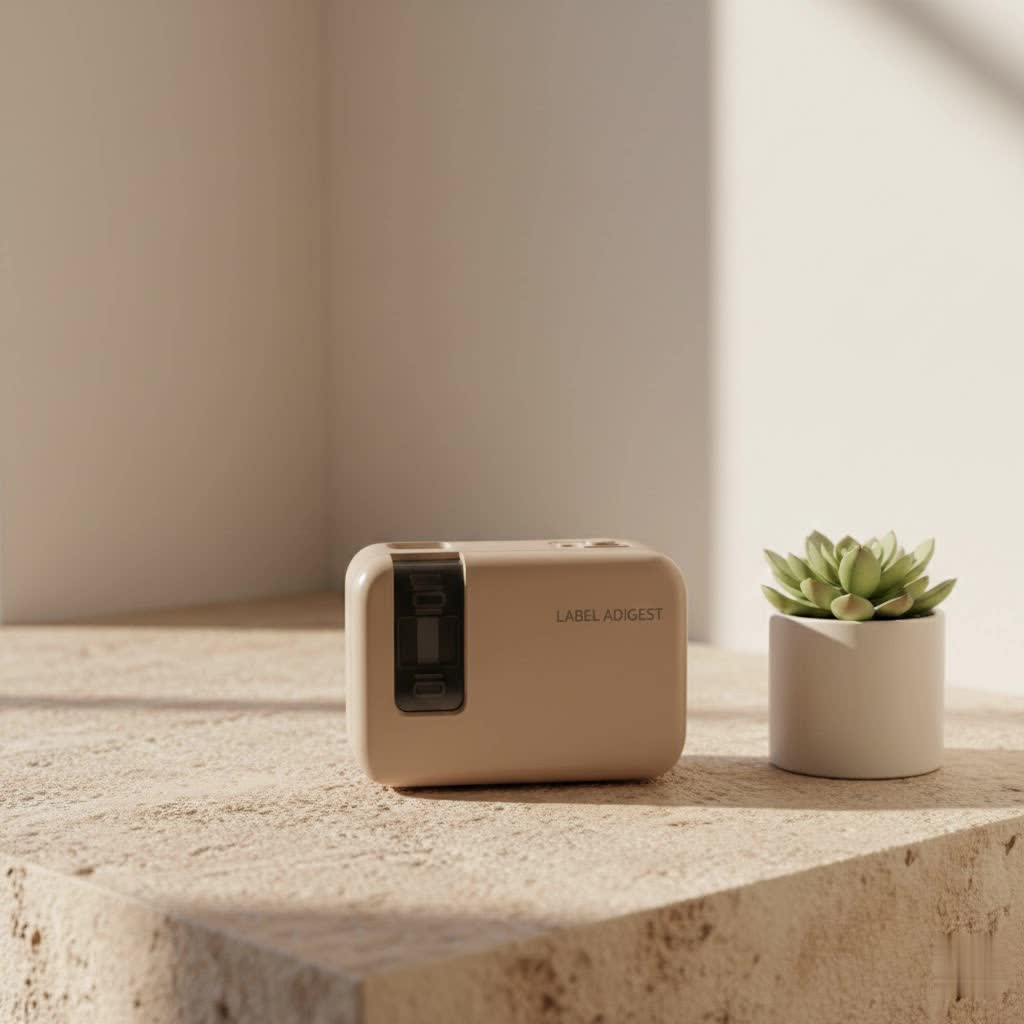
From basic models that bring a touch of nostalgia to advanced, app-connected powerhouses, the right label maker machine can transform chaos into calm, boost productivity, and even spark a little joy in your everyday tasks. So, let’s peel back the layers and discover how to choose, use, and truly master your label maker.
What Exactly is a Label Maker Machine?
At its core, a label maker machine is a compact printer designed specifically to create adhesive labels. Think of it as your personal mini-printing press for organization! Unlike traditional printers, label makers use specialized tape cartridges that come in various colors, widths, and materials, often employing thermal printing technology, which means no messy ink or toner cartridges to worry about. This “inkless” operation is a huge win for both convenience and cost-effectiveness.
These days, label makers come in a few main flavors:
- Handheld Label Makers: These are your go-to for on-the-spot labeling. Lightweight and portable, they’re perfect for tackling organization projects around the house, in a classroom, or even on a job site. Many feature a QWERTY keyboard for easy typing.
- Desktop Label Makers: Often larger, these models typically offer more features, wider label compatibility, and sometimes even a full-color screen. They’re great for a dedicated office space or for users who need more extensive customization options. Some can connect to your PC or Mac for enhanced design capabilities.
- App-Connected/Bluetooth Label Makers: The modern marvels! These devices sync wirelessly with your smartphone or tablet via Bluetooth, allowing you to design labels using a user-friendly app. This often unlocks a treasure trove of fonts, symbols, borders, and even the ability to print images, QR codes, and barcodes directly from your phone’s screen.
- Industrial Label Makers: Built for durability and demanding environments, these rugged machines are designed for heavy-duty tasks in warehouses, manufacturing, telecommunications, or electrical work. They often print on specialized, ultra-durable tapes that resist water, chemicals, and UV light.
The common thread? They all simplify the process of creating clear, legible, and durable labels that stick where you need them most.
Choosing the Right Label Maker Machine for Your Needs
Picking the perfect label maker machine isn’t about finding the most expensive one, but rather the one that best fits your unique labeling lifestyle. Here’s a practical guide to help you weigh your options:
Consider Your Intended Use
What problem are you trying to solve? This is the first and most crucial question.
- Home Organization: For tidying up your pantry, organizing craft supplies, or labeling storage bins, a basic handheld or an app-connected model with good font and symbol options will likely be sufficient. Portability might be a key factor here.
- Office & Small Business: If you’re labeling files, assets, shipping packages, or creating product labels, you’ll want features like PC/Mac connectivity, barcode printing capabilities, and perhaps higher print speeds. Desktop models or more advanced app-connected units are often ideal.
- Industrial & Professional: For electrical wiring, network cabling, safety signs, or equipment identification in harsh conditions, look for industrial-grade label makers that print on durable, specialized tapes (like vinyl, magnetic, or heat-shrink) and offer robust design software.
|
Our Picks for the Best Label Maker in 2026
As an Amazon Associate I earn from qualifying purchases.
|
||
| Num | Product | Action |
|---|---|---|
| 1 | DYMO LabelManager 160 Portable Label Maker Bundle, Easy-to-Use, One-Touch Smart Keys, QWERTY Keyboard, Large Display, For Home & Office Organization, Includes 3 D1 label cassettes |

|
| 2 | MeetRGB Embossed Label Maker (Includes Tape), Vintage Embossing Label Machine, Comes with 5 Rolls of 3D Embossed Labels, Suitable for Office and DIY Use—Purple |
|
| 3 | DYMO LetraTag LT-100H Handheld Aesthetic Label Maker, ABC Keyboard Label Printer with Easy-to-Use, 13 Character LCD Screen, Great for Home & Office Organization, Pink |
|
| 4 | DETONGER DT5150P Industrial Colorfast Label Maker, Thermal Transfer Label Printer with 1.65\" W Print Head, Heavy-Duty for Outdoor Direct Sunlight Job Sites, Mobile APP & PC Editor Compatible |
|
| 5 | NelkoGlobal Label Maker, Label Maker Machine with Tape, Portable Bluetooth Label Printer with Little Space, Mini D10 Label Machine with Multiple Personalized Templates for Family School |
|
| 6 | DYMO Label Maker Machine with Tape - 100H LetraTag Handheld, Comes with 3 LT label tapes. Great for Home & Office Organization |
|
| 7 | Brother P-Touch PT-N20 Personal Desktop Label Maker, Portable, Handheld and Prints, P-Touch Btag ~½” (12mm) Wide Color Personalized Label Tapes |
|
| 8 | EazeID Embossing Label Maker Machine with Tapes, Manual Embossed Label Maker Retro, Vintage Embosser Labeler 3/8 Inch 9mm 3D Waterproof-Labels for Scrapbooking Supplies Kids DIY Craft Home Office Use |
|
| 9 | DYMO LetraTag 100H Plus Handheld Label Maker for Office or Home |
|
| 10 | LỖI |
|
Key Features to Look For
When you’re comparing label maker machines, keep an eye on these specifics:
-
Connectivity:
- Standalone (Keyboard-only): Simple, direct, and often battery-powered. Great for quick tasks.
- USB to PC/Mac: Allows for more complex designs using desktop software, leveraging your computer’s fonts and graphics.
- Bluetooth/Wi-Fi: The ultimate in flexibility. Design on your smartphone or tablet, print wirelessly. Many modern label makers offer this, making the process much smoother and visually intuitive.
-
Keyboard Style:
- QWERTY: Familiar layout, ideal for those who type frequently. Many handheld and desktop models feature this.
- Alphabetical/Dial: Simpler, but can be slower for longer text. Often found on more basic or older embossing models. [cite: 4 (search result)]
-
Label Size & Type Versatility:
- Width: Do you need narrow labels for file tabs or wide labels for storage bins or shipping? Label makers support various tape widths, typically from 0.5 inches to several inches. [cite: 4 (search result)]
- Material: Most common are paper and plastic. For durability, look for laminated, water-resistant, or chemical-resistant options. Some even offer fabric iron-on, magnetic, or pre-cut labels.
-
Power Source:
- AA/AAA Batteries: Common for portable models, but require regular replacement.
- Rechargeable Battery Pack: More eco-friendly and convenient for on-the-go use, often charged via USB.
- AC Adapter: Best for desktop units that stay in one place, ensuring consistent power.
-
Print Resolution (DPI): Higher DPI (dots per inch) means sharper text and clearer graphics, which is important if you’re printing small fonts, logos, or detailed QR codes.
-
Screen Size & Preview: Larger, backlit screens make it easier to see what you’re typing and preview your label before printing, reducing mistakes and tape waste.
As Sarah Chen, a seasoned operations manager and label maker enthusiast, wisely notes, “Don’t get dazzled by features you won’t use. Focus on core functionality and label durability first. A simple machine that works reliably is better than a feature-rich one gathering dust.”
Comparison Table: Label Maker Features at a Glance
To help you quickly compare, here’s a general overview of features you might find across different types of label makers:
| Feature | Basic Handheld Label Maker | App-Connected Label Maker | Desktop Label Maker | Industrial Label Maker |
|---|---|---|---|---|
| Connectivity | Standalone, sometimes USB | Bluetooth/App (Primary) | USB, PC/Mac software, often Bluetooth/Wi-Fi | USB, PC software, often Bluetooth/Wi-Fi |
| Keyboard | QWERTY or Alphabetical | Virtual (via app) | QWERTY | QWERTY |
| Label Width | Narrow (up to 12mm) | Various (up to 2 inches) | Wider (up to 1-2 inches) | Widest (various, specialized) |
| Label Materials | Paper, basic plastic | Paper, plastic, durable | Paper, plastic, durable | Vinyl, magnetic, heat-shrink, tamper-evident |
| Power Source | AA/AAA Batteries | Rechargeable Battery | AC Adapter, optional battery | Rechargeable Battery, AC Adapter |
| Graphics/Symbols | Limited built-in | Extensive via app | Extensive via software | Extensive (often industry-specific) |
| Barcodes/QR Codes | Rare | Yes | Yes | Yes |
| Durability | Standard | Good | Good | Excellent (rugged) |
| Portability | High | High | Low | Moderate (some handheld industrial) |
Using and Maintaining Your Label Maker Machine
Once you’ve chosen your ideal label maker machine, using it is usually quite intuitive. However, a few tips can help you get the most out of it and keep it running smoothly:
Getting Started
- Read the Manual (Yes, really!): Each label maker has its quirks. The manual will guide you on loading tape, installing batteries or charging, and navigating specific functions.
- Load Tape Correctly: This is critical. Ensure the tape cartridge is inserted properly and that the tape path is clear. Many modern label makers have a simple drop-in design.
- Power On and Connect: If it’s a battery-operated model, ensure batteries are fresh. For app-connected models, turn on Bluetooth on your device and pair it with the label maker via its dedicated app.
- Explore Fonts & Features: Don’t be shy! Play around with different fonts, sizes, borders, and symbols. Many apps offer a fantastic range of customization options that can make your labels truly pop.
Essential Tips for Great Labels
- Preview Before Printing: Always use the preview function, especially on models with smaller screens. This saves tape and prevents typos.
- Adjust Margins: Some label makers allow you to adjust the leading and trailing margins, which can save a surprising amount of tape over time.
- Choose the Right Tape: Match the tape material and width to the application. Waterproof tape for the kitchen, durable tape for outdoor items, and so on.
- Clean the Print Head: If your labels start looking faded or streaky, the print head might be dirty. Consult your manual for cleaning instructions, which usually involve a simple wipe with a soft cloth or a special cleaning cartridge.
- Store Tapes Properly: Keep tape cartridges away from extreme temperatures and direct sunlight to prolong their life and adhesive quality.
Creative Applications of Your Label Maker Machine
A label maker machine isn’t just for labeling files; it’s a creative powerhouse! Here are some fun and functional ways to put yours to work:
- Pantry & Kitchen Organization: Label spice jars, food containers, shelves, and even refrigerator bins to keep everything fresh and easily identifiable. Say goodbye to mystery leftovers!
- Bathroom & Laundry: Organize toiletries, cleaning supplies under the sink, and storage bins for towels or linens. Clear labels mean less rummaging.
- Craft Room & Hobby Nook: Label drawers, bins, and containers for beads, threads, tools, or art supplies. Imagine finding that specific shade of glitter instantly! [cite: 4 (search result)]
- Kids’ Rooms & Play Areas: Label toy bins, book shelves, and even cubbies to encourage tidiness and help little ones find their favorite items.
- Cables & Electronics: Tame the dreaded “cable spaghetti” behind your TV or computer. Label each end of a cable to know exactly what goes where, saving you immense frustration. [cite: 4 (search result)]
- Gardening: Create durable labels for plant pots, seed trays, or garden markers. Add plant names, planting dates, or care instructions. [cite: 3 (search result)]
- Gift-Giving: Personalize gift tags, homemade goodies, or party favors with custom labels. [cite: 3 (search result)]
- Moving & Storage: Label moving boxes with contents and destination rooms for a much smoother unpacking process. Label storage totes in the attic or garage so you know what’s inside without opening every single one.
“Using a label maker creatively can actually make mundane tasks feel more enjoyable,” shares Anya Sharma, a lifestyle blogger known for her clever home hacks. “It’s not just about neatness; it’s about adding a personal touch and reducing daily friction.”
Label Maker Machine Solutions for Businesses
For businesses, a label maker machine is far more than an organizational tool; it’s a strategic asset that enhances efficiency, professionalism, and compliance.
Streamlining Operations
- Inventory Management: Print SKU numbers, product names, and barcodes for efficient tracking and stock rotation. This is critical for retail, e-commerce, and warehousing.
- Asset Tagging: Label company assets like laptops, machinery, and tools for better tracking, maintenance, and loss prevention.
- Shipping & Mailing: Create professional shipping labels with addresses and USPS-standard barcodes quickly and accurately. Some advanced models can even print directly from e-commerce platforms like eBay or Amazon.
- Filing & Archiving: Organize documents, binders, and storage boxes with clear, consistent labels, improving retrieval times and ensuring important information is always at hand.
Enhancing Professionalism and Compliance
- Product Labeling: For small businesses selling handmade goods, a label maker can create attractive, branded labels for products, ingredients, or packaging, elevating their professional appearance.
- Safety & Warning Labels: In industrial settings, label makers are indispensable for creating clear safety signs, warning labels, and identification for machinery, electrical panels, and hazardous materials, crucial for workplace safety and regulatory compliance.
- Cable & Wire Management: In IT, telecommunications, and electrical installations, precise labeling of cables, wires, and patch panels is vital for efficient troubleshooting and maintenance. Industrial label makers excel here with specialized durable tapes.
- Food Service: Label prep items with dates, allergens, and other crucial information to ensure food safety and compliance with regulations like Natasha’s Law. [cite: 3 (search result)]
DYMO, a leading brand in label makers, emphasizes that their “label makers for small businesses can streamline processes, send shipments, organize files and more. With PC and Mac® compatibility, users can plug in, create labels and print in seconds.” This highlights the direct impact on productivity and cost savings by eliminating the need for expensive ink and toner.
Frequently Asked Questions About Label Maker Machines
Q1: Do label makers require ink?
A1: Most modern label maker machines, especially the popular thermal models, do not use ink or toner. They use heat to print on special thermal paper or tape, making them very clean and low-maintenance.
Q2: Can label makers print in different colors?
A2: While many basic label makers print black text on a colored or white tape, some advanced app-connected models, like the NIIMBOT B1, can print in full color. Also, you can often buy various colored tape cartridges to achieve a colorful look even with a black-only printer.
Q3: Are label maker tapes durable?
A3: The durability of label tapes varies. Many brands offer laminated tapes that are water-resistant, fade-resistant, and can withstand common cleaning agents. Industrial-grade tapes are even more robust, designed to resist harsh chemicals, abrasion, and extreme temperatures.
Q4: Can I print barcodes or QR codes with a label maker?
A4: Yes, many modern label maker machines, especially those with app connectivity or PC software, allow you to generate and print barcodes and QR codes directly from the device or linked application. This is a highly valuable feature for inventory and asset management.
Q5: How do I maintain my label maker machine?
A5: Maintenance is generally simple. Keep the device clean, especially the print head, which can be wiped gently. Ensure you’re using compatible label tapes and store them properly. For battery-powered models, replace batteries when needed or recharge built-in battery packs regularly.
Conclusion
The label maker machine is truly a versatile and indispensable tool, whether you’re tidying up your home, streamlining office workflows, or optimizing business operations. From the satisfaction of a perfectly organized drawer to the efficiency gains in inventory management, its benefits are far-reaching. We’ve explored the different types, key features to consider when choosing, practical usage tips, creative applications, and powerful business solutions.
At Paerm, we believe that understanding your tools empowers you to use them safely and effectively. So, take the leap, embrace the power of precise labeling, and watch as your world becomes a more organized, efficient, and, dare I say, happier place. Start your labeling journey today and share your organizational wins with us—we love to see how you make order out of chaos with your trusty label maker machine!
