In today’s fast-paced world, staying organized isn’t just a preference—it’s a necessity. Whether you’re wrangling household clutter, streamlining office workflows, or managing a bustling small business, a reliable Label Maker Printer is your secret weapon. This indispensable tool transforms chaos into order, ensuring everything from pantry staples to crucial shipping packages is clearly identified and easy to find. At Paerm.com, we believe in empowering you with the knowledge to make the most of these versatile devices, turning technical complexities into straightforward solutions for every labeling need.
What Exactly is a Label Maker Printer?
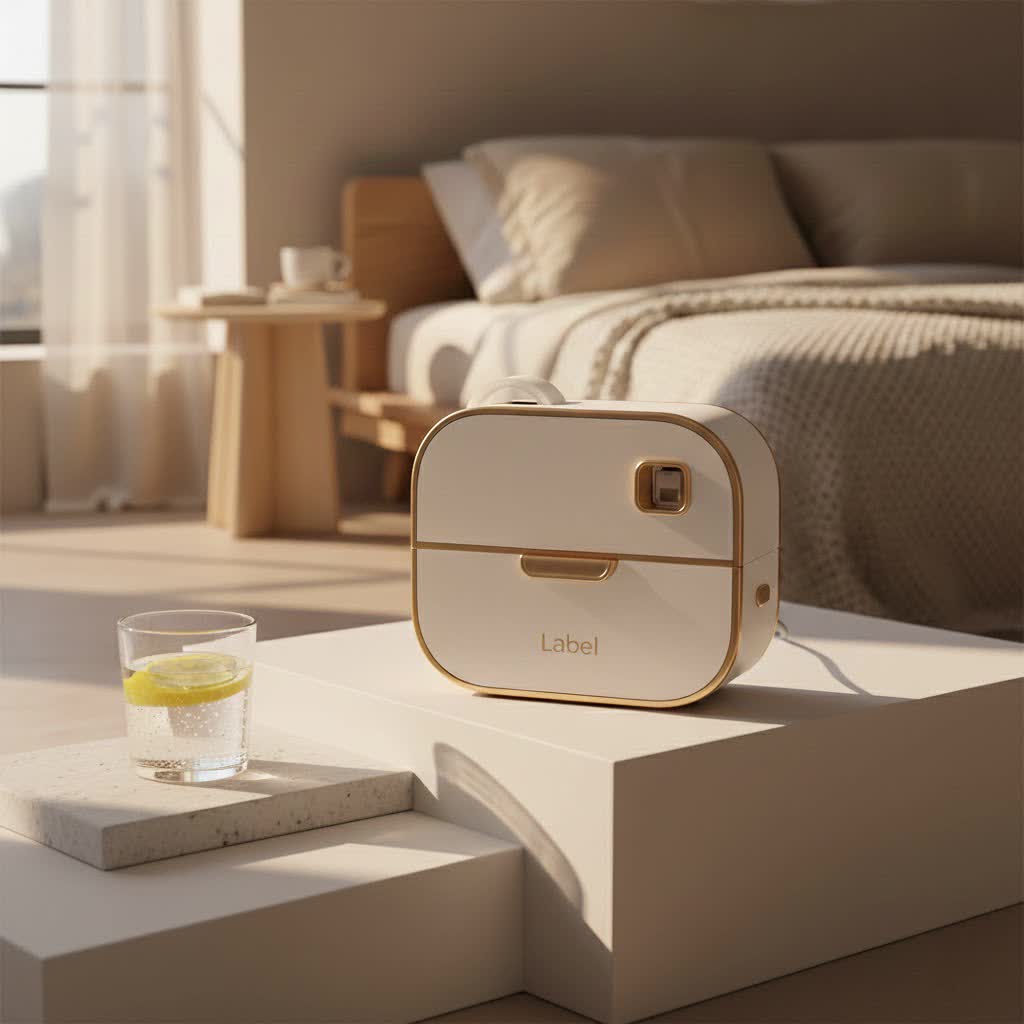
At its core, a label maker printer is a device designed to print self-adhesive labels. However, the term encompasses a wide range of devices, from simple, handheld gadgets to sophisticated industrial machines. The primary goal remains the same: to create clear, durable, and customizable labels for virtually any item or surface.
Many modern label maker printers utilize thermal printing technology, which means they don’t require ink cartridges. Instead, they use heat to activate special chemically treated paper or plastic tape, resulting in smudge-proof, fade-resistant prints. This inkless operation makes them incredibly convenient and cost-effective in the long run. While traditional “label makers” might be simpler, often handheld, and ideal for smaller, personalized tasks, “label printers” are typically more advanced, offering computer connectivity, higher print resolutions, and the ability to handle larger volumes or specialized label types, like barcode labels or shipping labels.
Choosing the Right Label Maker Printer for Your Needs
Selecting the perfect label maker printer can feel a bit like finding the right tool for a specific job – it needs to fit just right! With so many options available, understanding your primary use case is the first step toward making an informed decision.
Understanding Your Purpose
- For Home Use: If you’re tackling pantry organization, tidying up cables, labeling storage bins, or adding a personal touch to crafts, a compact, user-friendly portable label maker is often ideal. You’ll want something intuitive, perhaps with a smartphone app connection, and access to fun fonts and symbols.
- For Office Use: In an office environment, efficiency is key. You might need to label file folders, asset tags, supply cabinets, or even create name badges. Look for models that offer good print speed, durable label materials, and potentially PC connectivity for more complex label designs and batch printing.
- For Small Businesses (Retail, E-commerce, Shipping): This is where label maker printers truly shine. Businesses need to print price tags, product labels, inventory labels, and critically, shipping labels. A thermal shipping label printer that handles 4×6-inch labels, offers high-speed output, and integrates with shipping platforms like UPS or Shopify is a game-changer. Retailers might also benefit from compact, portable models for on-the-spot price adjustments.
- For Industrial Applications: Heavy-duty environments require robust solutions. Industrial label printers are designed for durability, printing on specialized materials like heat-shrink tubes for cable labeling, vinyl for harsh conditions, or magnetic labels for equipment. These often feature advanced connectivity, larger label capacities, and rugged construction to withstand demanding use.
|
Our Picks for the Best Label Maker in 2026
As an Amazon Associate I earn from qualifying purchases.
|
||
| Num | Product | Action |
|---|---|---|
| 1 | Brother P-Touch PT-N20 Personal Desktop Label Maker, Portable, Handheld and Prints, P-Touch Btag ~½” (12mm) Wide Color Personalized Label Tapes |

|
| 2 | NelkoGlobal Label Maker, Label Maker Machine with Tape, Portable Bluetooth Label Printer with Little Space, Mini D10 Label Machine with Multiple Personalized Templates for Family School |
|
| 3 | DYMO LetraTag 100H Plus Handheld Label Maker for Office or Home |
|
| 4 | EazeID Embossing Label Maker Machine with Tapes, Manual Embossed Label Maker Retro, Vintage Embosser Labeler 3/8 Inch 9mm 3D Waterproof-Labels for Scrapbooking Supplies Kids DIY Craft Home Office Use |
|
| 5 | MeetRGB Embossed Label Maker (Includes Tape), Vintage Embossing Label Machine, Comes with 5 Rolls of 3D Embossed Labels, Suitable for Office and DIY Use—Purple |
|
| 6 | DYMO LabelManager 160 Portable Label Maker Bundle, Easy-to-Use, One-Touch Smart Keys, QWERTY Keyboard, Large Display, For Home & Office Organization, Includes 3 D1 label cassettes |
|
| 7 | DETONGER DT5150P Industrial Colorfast Label Maker, Thermal Transfer Label Printer with 1.65\" W Print Head, Heavy-Duty for Outdoor Direct Sunlight Job Sites, Mobile APP & PC Editor Compatible |
|
| 8 | DYMO LetraTag LT-100H Handheld Aesthetic Label Maker, ABC Keyboard Label Printer with Easy-to-Use, 13 Character LCD Screen, Great for Home & Office Organization, Pink |
|
| 9 | DYMO Label Maker Machine with Tape - 100H LetraTag Handheld, Comes with 3 LT label tapes. Great for Home & Office Organization |
|
| 10 | LỖI |
|
Key Features to Consider
Once you’ve pinpointed your primary use, delve into these features to narrow down your choices:
- Portability and Size: Do you need to print labels on the go? A lightweight, battery-operated, handheld model that fits in your pocket or a tool bag is perfect. If it’s for a fixed workstation, a desktop label printer might offer more features and wider label support.
- Connectivity Options: Modern label maker printers offer various ways to connect.
- Standalone: Some models have built-in keyboards and screens for direct input, great for quick, simple labels.
- USB to PC/Mac: Connects to your computer for designing labels with dedicated software, offering more design flexibility and access to your system’s fonts.
- Bluetooth to Mobile: Allows wireless printing from a smartphone or tablet app, combining portability with powerful design capabilities. Many popular models, like those from Phomemo or Brother P-Touch Cube, leverage this for seamless, on-the-spot labeling.
- Wi-Fi/Ethernet: Essential for multi-user environments or integrating into a network for shared access, especially with shipping label printers.
- Label Types and Widths: The range of compatible label tapes and their widths is crucial.
- Materials: Standard paper, durable plastic (polyester), vinyl (weather-resistant), magnetic, heat-shrink tubing (for wires), transparent, and even fabric iron-on labels.
- Widths: From slim 6mm tapes for file tabs to wide 4-inch or 6-inch shipping labels. Ensure the printer supports the sizes you need.
- Print Quality and Color Capabilities:
- Monochrome (Black & White): Most thermal label maker printers print in black, which is perfectly adequate for text and basic graphics.
- Full-Color: Some specialized printers use “Zero Ink” (ZINK) technology to produce vibrant, full-color labels, ideal for branding or creative projects, though typically at a higher running cost per label.
- Resolution (DPI): Higher DPI (dots per inch) means sharper text and graphics, important for small fonts or detailed images.
- Printing Speed and Volume: If you’re printing hundreds of labels a day for a business, speed is paramount. High-volume label printers are designed for rapid output, while a personal label maker prioritizes ease of use over lightning-fast speeds.
- Software and Design Features: User-friendly software with templates, multiple fonts, symbols, barcode generators, and auto-cut functionality enhances the labeling experience. Integration with popular shipping software or office applications can significantly boost efficiency for business users.
- Running Costs: Don’t just consider the initial purchase price. The cost of replacement label tapes or rolls can add up. Some printers use proprietary tapes, which can be more expensive, while others accept generic alternatives.
Unleashing Creativity: Innovative Uses for Your Label Maker Printer
A label maker printer isn’t just for monotonous labeling; it’s a tool for transforming your environment and boosting productivity in surprising ways.
Around the Home
Imagine a home where everything has its place! A label maker printer can revolutionize your living space:
- Pantry Perfection: Label jars, containers, and shelves with contents and expiry dates. No more mystery ingredients!
- Cable Chaos Control: Tame tangled wires behind your TV or desk by labeling each cable, making unplugging and re-plugging a breeze.
- Storage Solutions: Clearly label bins in your garage, attic, or closets for seasonal items, holiday decorations, or kids’ toys.
- Crafting and DIY Projects: Organize craft supplies, tools, or even create custom labels for homemade gifts and party favors.
Boosting Office Efficiency
In the workplace, a label maker printer is a powerful ally for organization and professionalism:
- File Folder Harmony: Categorize documents with clear, consistent labels for quick retrieval.
- Asset Tracking: Label equipment, furniture, and IT assets for easy inventory management.
- Mailroom Mastery: Streamline mail sorting and package preparation with professional address and return labels.
- Safety First: Create warning labels or instructional signage for equipment and areas.
Empowering Small Businesses
For entrepreneurs and small business owners, a label maker printer can directly impact your bottom line and brand image:
- Product Branding: Design and print professional product labels, price tags, and promotional stickers that reflect your brand.
- Shipping & Logistics: Rapidly print shipping labels, return labels, and barcode labels for inventory and tracking, saving time and reducing errors.
- Inventory Management: Label shelves, bins, and products with stock numbers, dates, and other vital information for seamless stock control.
- Customization: Personalize customer orders or add unique messages to packages with custom labels.
Maximizing Your Investment: Tips for Using and Maintaining Your Label Maker Printer
To ensure your label maker printer continues to perform flawlessly for years, a little care goes a long way.
- Read the Manual: This might sound obvious, but understanding your specific model’s features, loading instructions, and troubleshooting tips is crucial.
- Use Quality Labels: Invest in good quality label tapes appropriate for your printer. This prevents jams and ensures durable, legible prints. For specific needs like outdoor use or chemical resistance, choose specialized industrial-grade labels.
- Clean Regularly: Dust and adhesive residue can accumulate on the print head and cutters. Use a soft, lint-free cloth or a cleaning cartridge (if available) to gently wipe these areas, especially after changing a label roll. A clean print head ensures crisp, clear print quality.
- Store Properly: Keep your label maker printer in a clean, dry place away from extreme temperatures and direct sunlight. Store label rolls in their original packaging to protect them from dirt and damage.
- Update Software/Firmware: If your printer connects to a computer or smartphone, regularly check for software or firmware updates. These updates often improve performance, add new features, and fix bugs.
Expert Insights: The Paerm.com Perspective
“After a decade immersed in the world of label maker printers, I can confidently say they are far more than just ‘gadgets.’ They are catalysts for efficiency, creativity, and clarity,” says Dr. Anya Sharma, Lead Labeling Technologist at Paerm.com. “The true power lies in choosing a device that aligns with your specific needs and then truly exploring its capabilities. From a simple organizational hack at home to streamlining complex logistics for a business, the right label maker printer empowers you to take control and present your world with professionalism and precision.”
Conclusion
From organizing your spice rack to streamlining a busy e-commerce shipping department, the label maker printer is an unsung hero of efficiency and order. By understanding the different types available, considering key features like connectivity and label variety, and embracing its creative potential, you can unlock a world of organizational possibilities. At Paerm.com, we champion the smart use of technology to simplify your life and business. So, take the leap, choose the label maker printer that fits your unique needs, and start labeling your way to a more organized and productive future. What will you label first?
